Why TikTok search can’t find your own video
You type a sentence you know you said, in a video you know you posted, and TikTok shows you a hundred videos by other people. Yours is not there. It is not on page two either.
That is not a bug you can report. It is the search doing what it was built to do, which is a different job from the one you are asking it for.
What the search is for
TikTok search exists to put videos in front of you that you have not seen, mostly by people you do not follow. Ranking by what is popular and relevant to a stranger is the whole point. Retrieving the one video that you personally made in 2023 is not the use case.
So a video of yours with a few hundred views is competing against videos with a few million, for words the whole platform is also using. It loses. Not because anything is wrong with it, but because the list was never sorted for you.
What it appears to read
TikTok does not publish what its search indexes, so this is what shows up in practice, not a specification. Captions, hashtags, usernames and sounds clearly matter. The spoken words inside the video are a much weaker key than most people assume, and the exact line you said is the thing you are most likely to be holding and least likely to get a hit on.
That is the sad part. The clue you have is the clue the search leans on least.
What to try first
It takes a minute and sometimes works:
- Search your own username along with the words. It narrows the pool to videos that could be yours.
- Search the caption, not the line. If you wrote the subject in the caption, use that. Past you may have helped.
- Use hashtags you tend to repeat. If you always tag the same topic the same way, that is an index you already built.
If one of these works, good. If not, the video is probably fine and the tool is wrong.
What works when those do not
There are three honest routes, and they do different things.
- Scroll your own profile. It works for recent videos. Further back than that it gets unreliable.
- Download your data. You get captions and dates in files you can search yourself. What you do not get is the spoken words. The download guide covers what is inside.
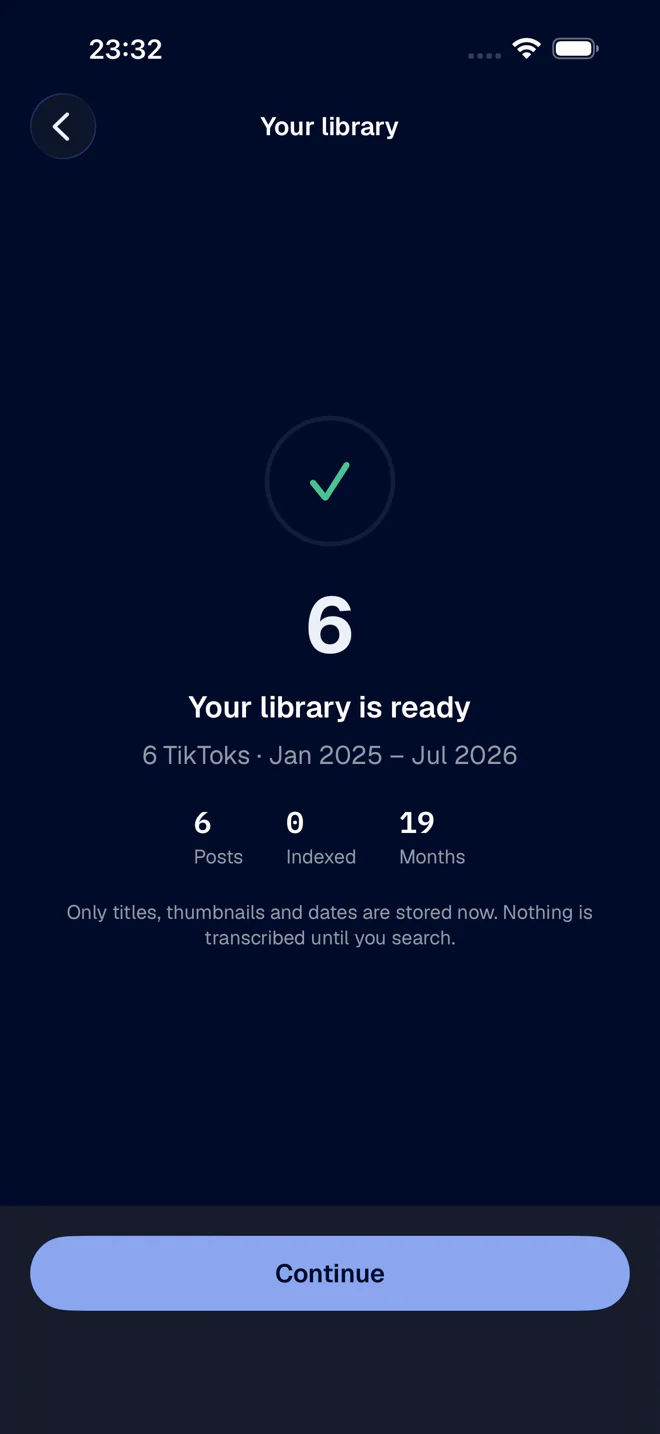
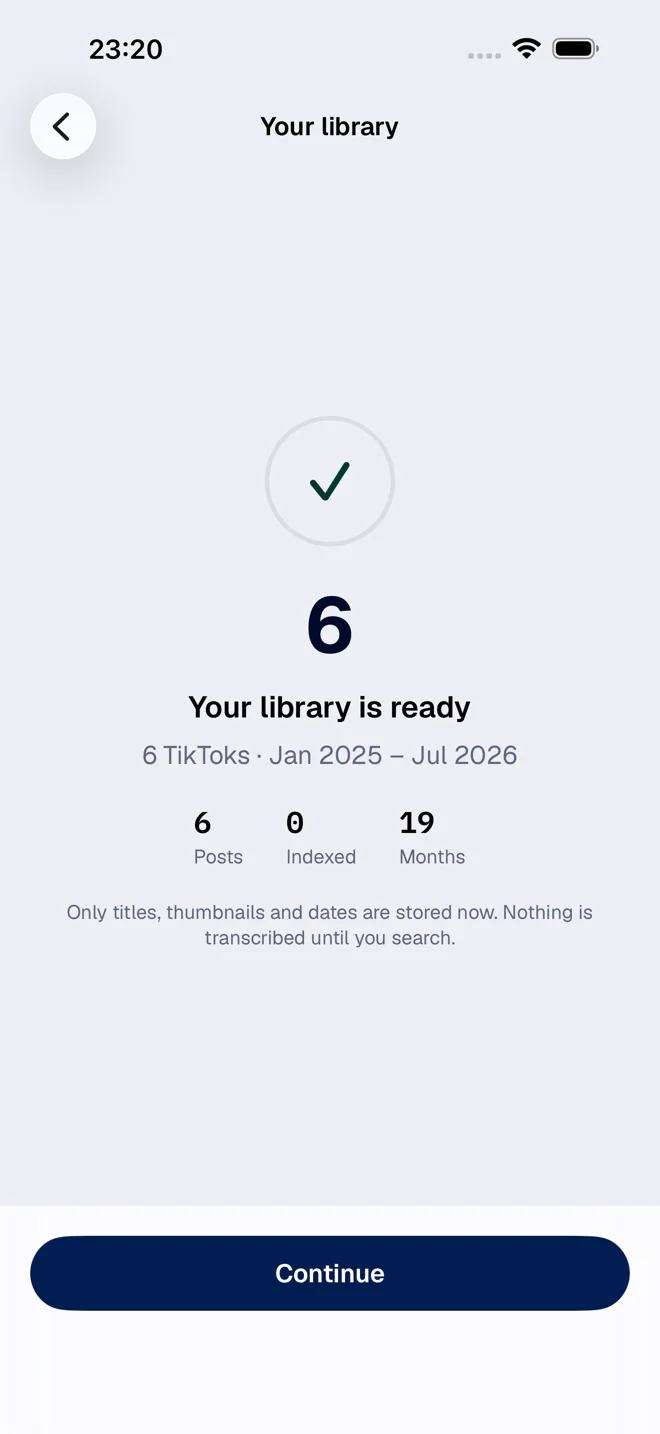
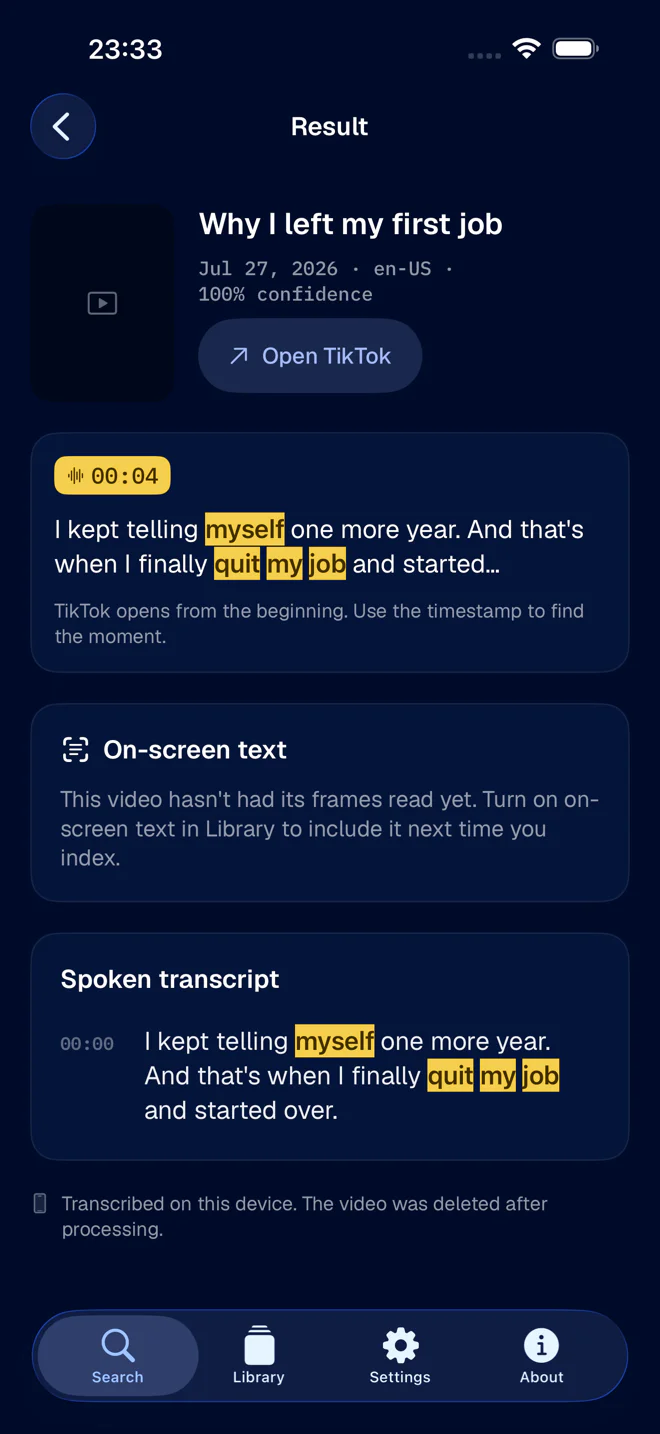
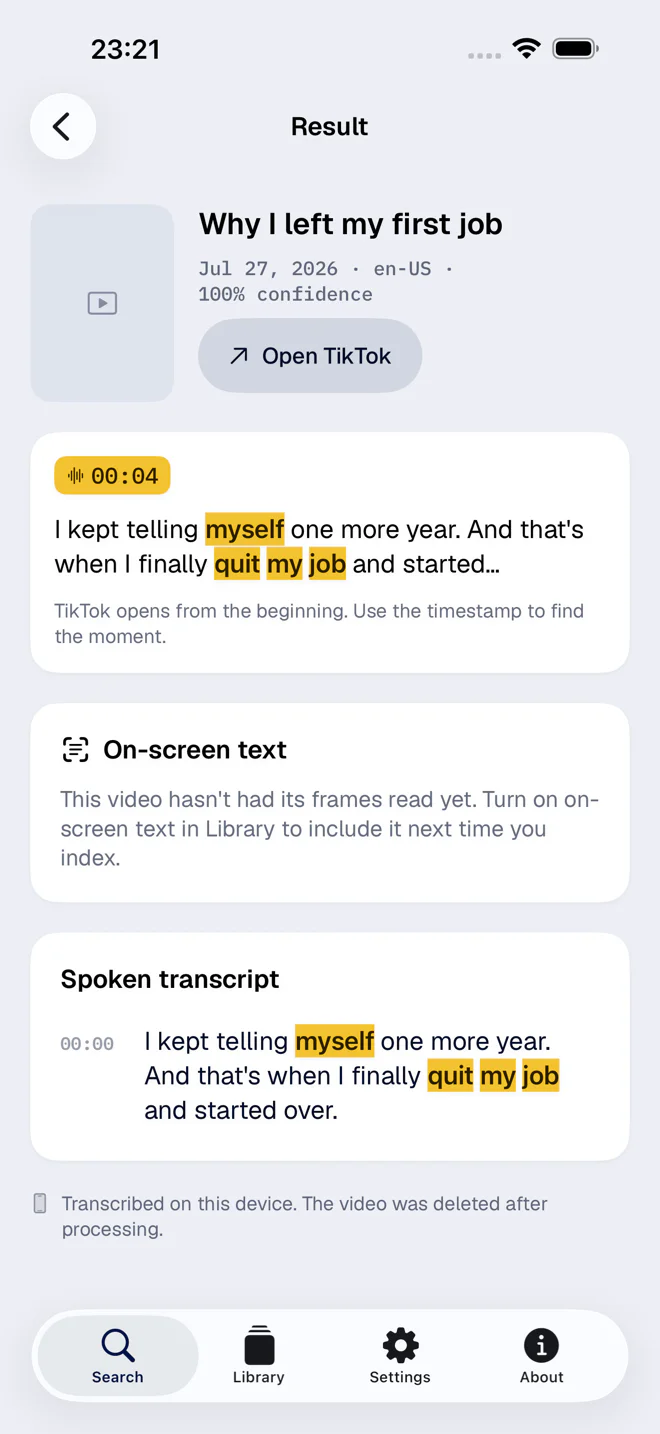
- Search the transcript. This is the one that treats the spoken words as text. FindMyTok transcribes your own published videos on the phone, so the sentence you remember becomes a thing you can search for.
A fair caveat
This is not TikTok’s fault, exactly, and I would not call the search broken. A tool tuned to show you something new is a bad tool for finding something old, and that is true of most feeds. The gap is real, but it is a gap in the job description.
What FindMyTok does cover is narrow: your own published videos, from the account you signed in with. For everything else on the platform, TikTok’s search is still the one to use. If you want the longer picture of the options, searching your own TikTok videos compares them side by side.