Download your TikTok data and what you actually get
Everyone should request this at least once. Not because you are about to delete anything, but because it is how you find out what the platform actually holds about you – and most people are wrong about that in both directions.
TikTok’s Requesting your data page explains the process: you request it inside the app, wait while it is assembled, then download a file that expires after a while. Folha de S.Paulo published a walkthrough with screens, which helps, since these menus keep moving.
Request it before you need it. The wait is days, not minutes, and nobody has ever wanted their archive calmly and in advance.
What is inside
Depending on the format you choose, a pile of text plus your videos as files: captions, dates, activity records, settings, the trail of what you did in the app.
What you do not get is a working account. No view counts that keep counting, no comments in context, no URL that someone’s bookmark still points to. It is a record, not a mirror.
The part people get wrong
An archive on your laptop is not searchable in any useful sense. You can grep the text files, sure. But you cannot search what you said, because the videos in that folder are still just video files, and nobody transcribed them.
So the export answers “what does TikTok have about me?” but not “which of my videos is the one where I talked about the São Paulo trip?”. Those are separate questions, and only the first has an official tool.
Two separate things
Worth being precise here, because I have seen this confused: TikTok’s official export is one thing, and a searchable index of your published videos is another.
FindMyTok builds the second one. It works from your own published videos, on your own account, and transcribes them on your iPhone to make them searchable. With it you can:
- Search what you said, not only what you typed in the caption.
- Search the text that appears on screen, if you turn on frame reading.
- Jump to the second where the phrase appears, instead of watching the whole video again.
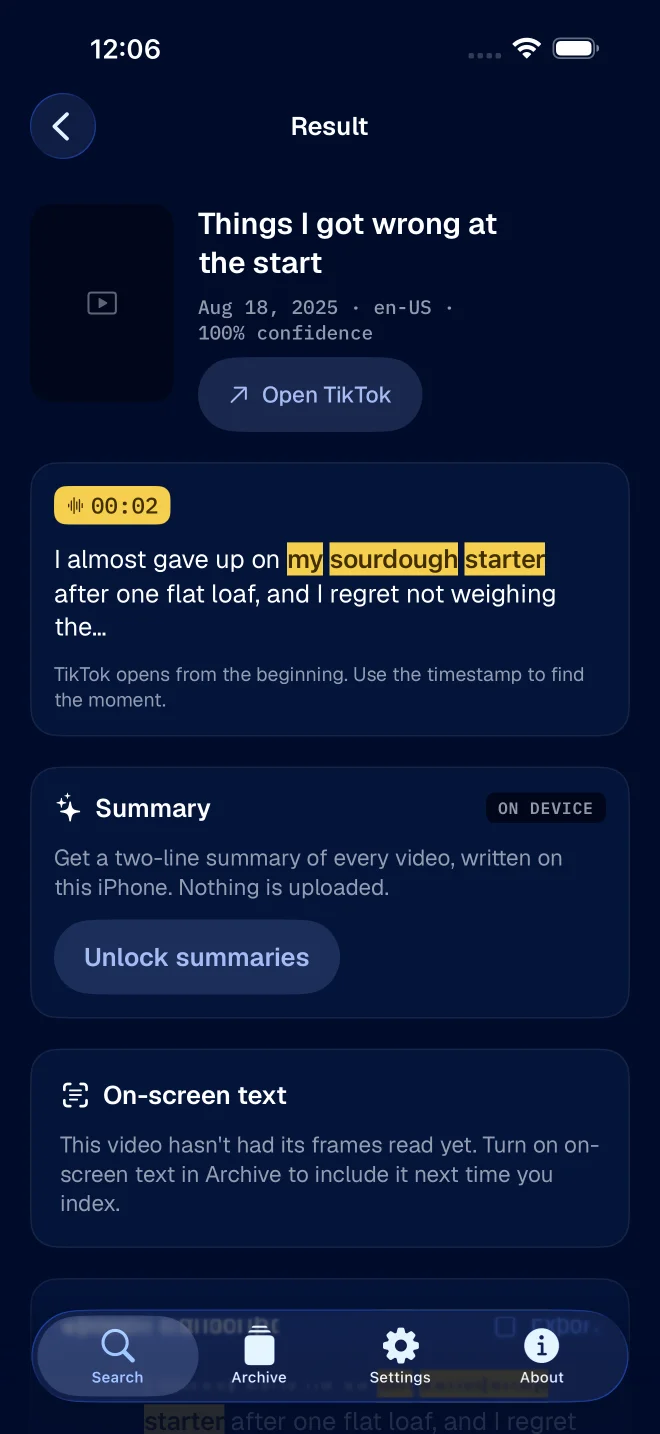
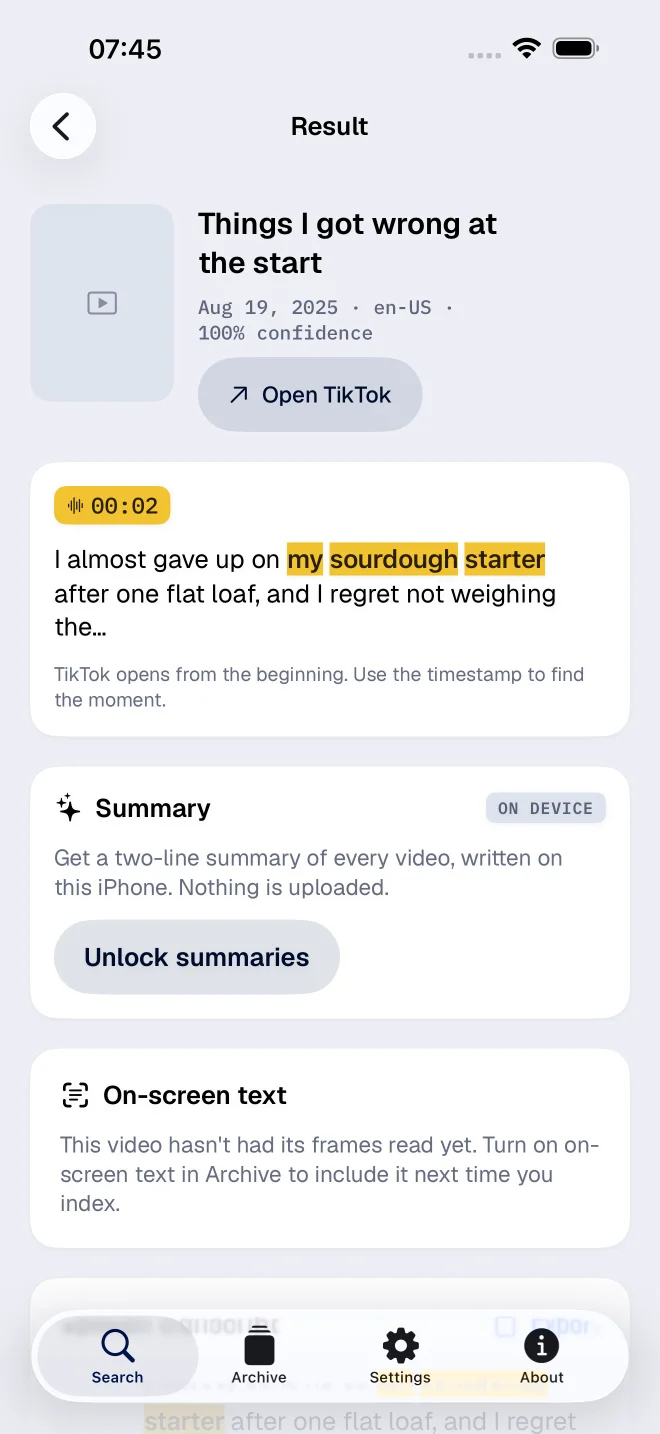
One important detail: it is not an importer for the zip file TikTok sends you. They are tools for different jobs.
If what you want is a durable copy of your own work, the export is the right tool and you should do it. If what you want is to find the video where you said a specific sentence, the export will not get you there, and find a TikTok by the words you remember saying is the relevant piece.
Do both, in this order
Request the export today so the clock starts. While you wait, decide what you actually want out of your archive: a backup, a search index, or a cleanup.
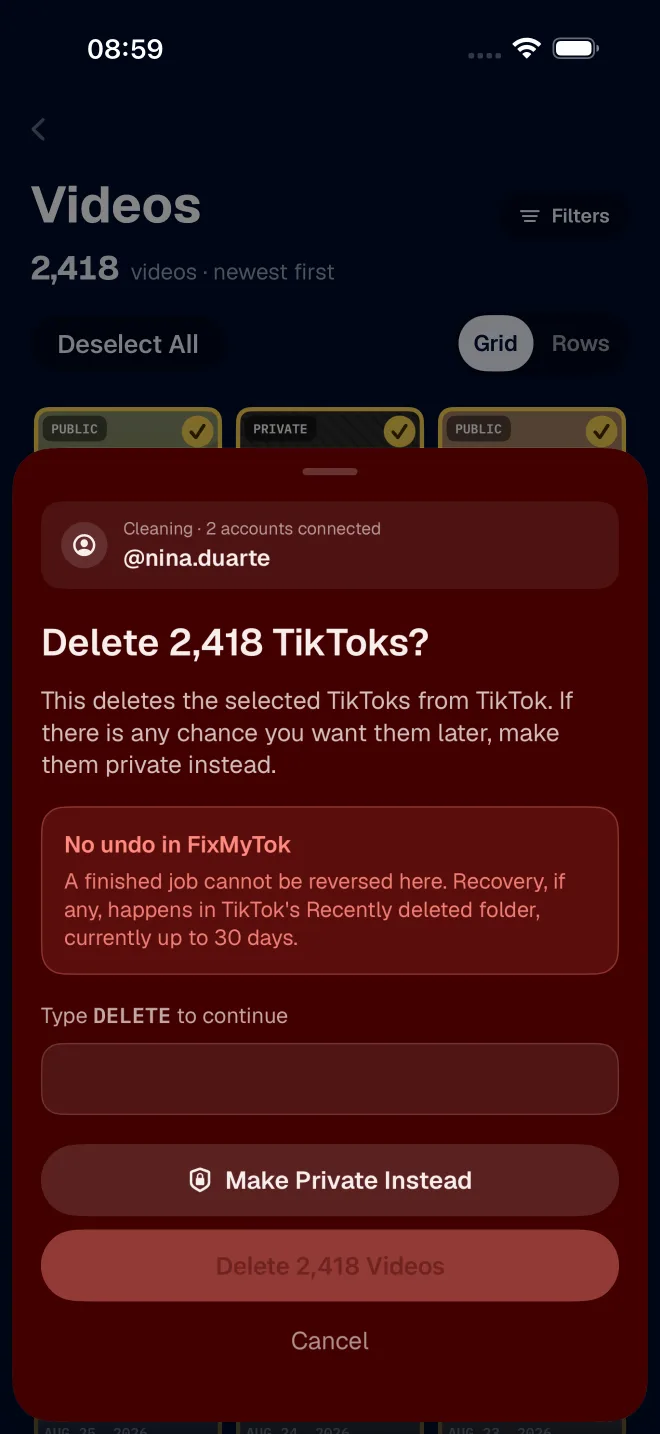
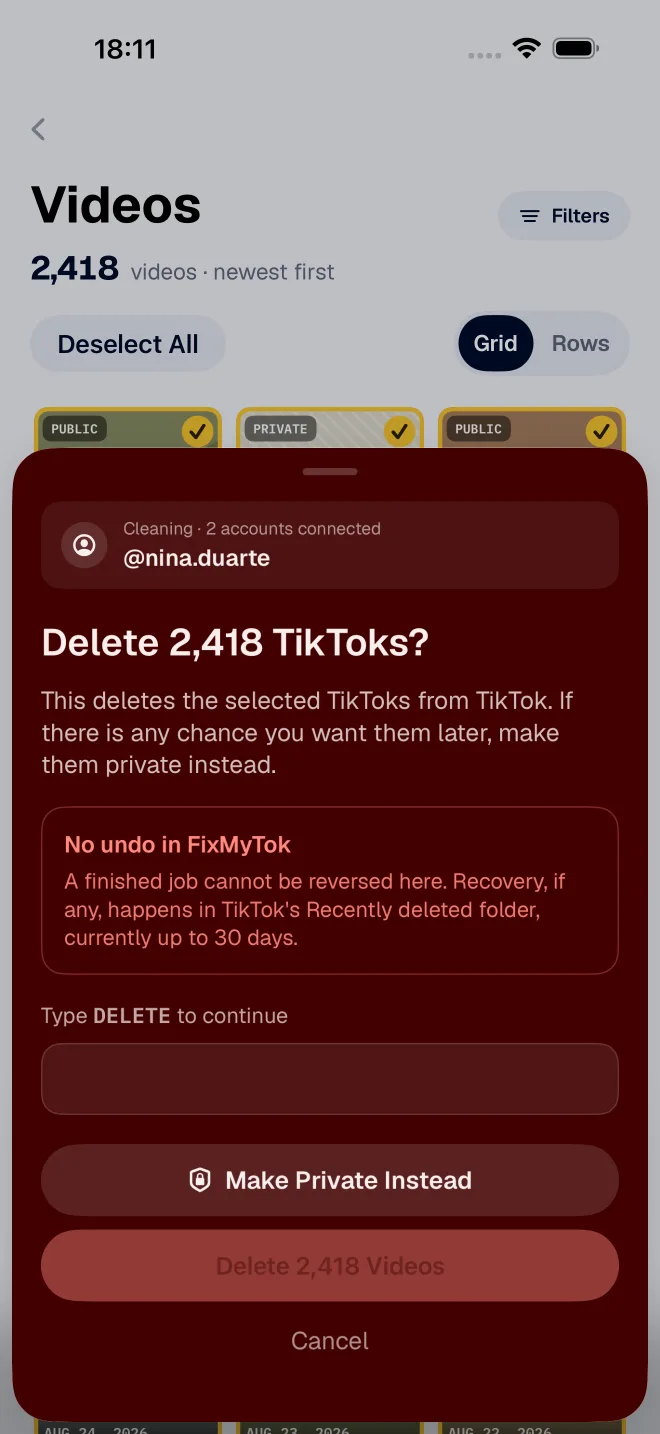
If the answer is cleanup, do not delete anything until the file is in your hands and you have opened it and confirmed the videos play. FixMyTok has the full version of that argument, and it is worth reading before you start removing anything.