Find a TikTok by the words you remember saying
Human memory is terrible with dates and very good with phrases – and there is no point fighting it. You remember saying “we only had one shot at that light”. You do not remember that it was a Tuesday in March 2023 and you certainly do not remember the caption (which you wrote in eleven seconds and never read again, admit it).
In other words, the clue you have is exactly the one TikTok’s tools do not use to search your videos. You are holding the key. Somebody just has to build the lock.
Why the caption is the wrong index
Captions are short, written in a hurry, and rarely repeat what you said in the video. They exist to hook someone scrolling, not to describe the content – so searching them is searching a marketing line, not a transcript.
The real content lives in the audio. A three-minute video is several hundred words, and every one of them is a possible search term. The problem is that none of them is text until something transcribes it.
This is not a niche problem, by the way. Products like ReelRecall exist because finding a moment inside short video is a real and recurring need. The distinction worth keeping in mind is what is being indexed: FindMyTok indexes your own published TikToks, not an inbox of videos other people sent you.
What the phone is doing
Apple’s Speech framework can run recognition locally, and Apple documents the flag that guarantees it: requiresOnDeviceRecognition, which forces the request to be handled on the device rather than sent to a server.
For text visible in the frame there is a second mechanism, Vision’s text recognition, which reads the words drawn on screen: title cards, burned-in captions, anything you held up to the camera.
Here is the sum: two sources of text, one index. What you said and what you showed.
What a good result looks like
Not a thumbnail. A thumbnail is a guess, and you will end up opening five videos before you get the right one.
What you want back is the sentence with your phrase highlighted, the post it belongs to, and the second at which it was said. With that, you open the post in TikTok and go straight to the moment, instead of watching two minutes of yourself to find eleven seconds.
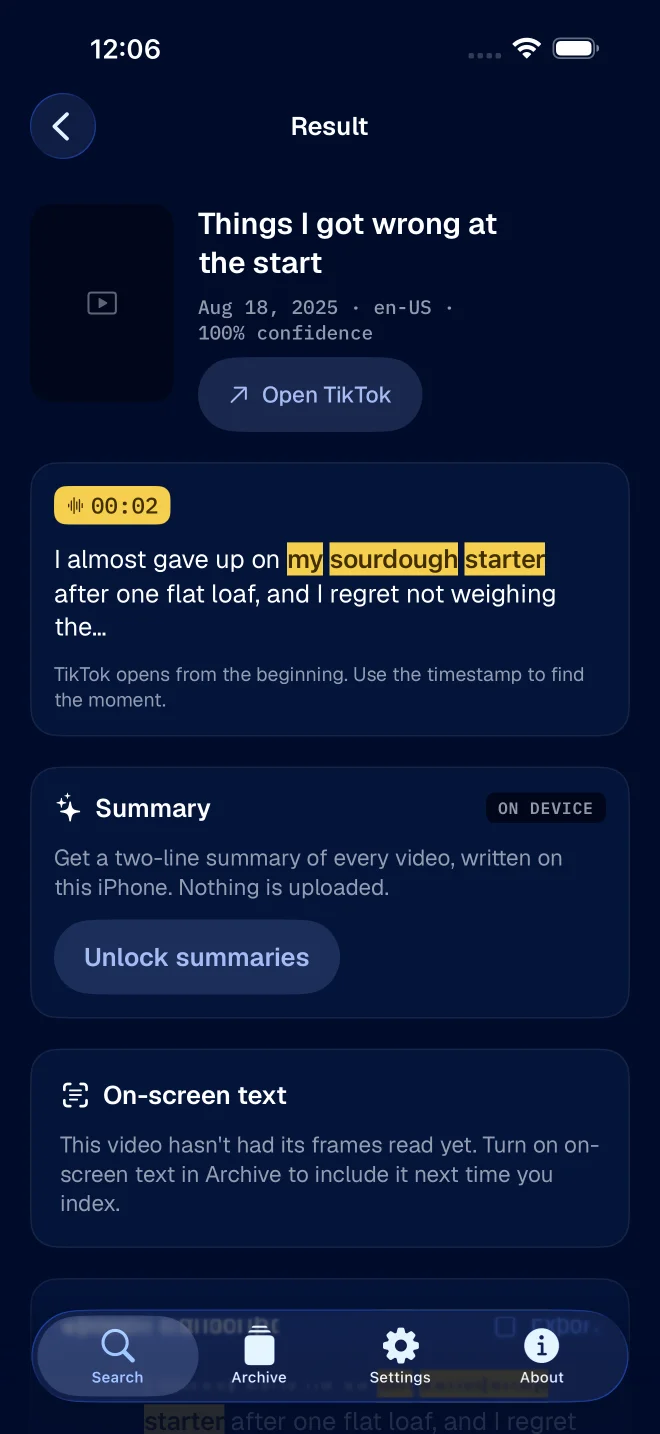
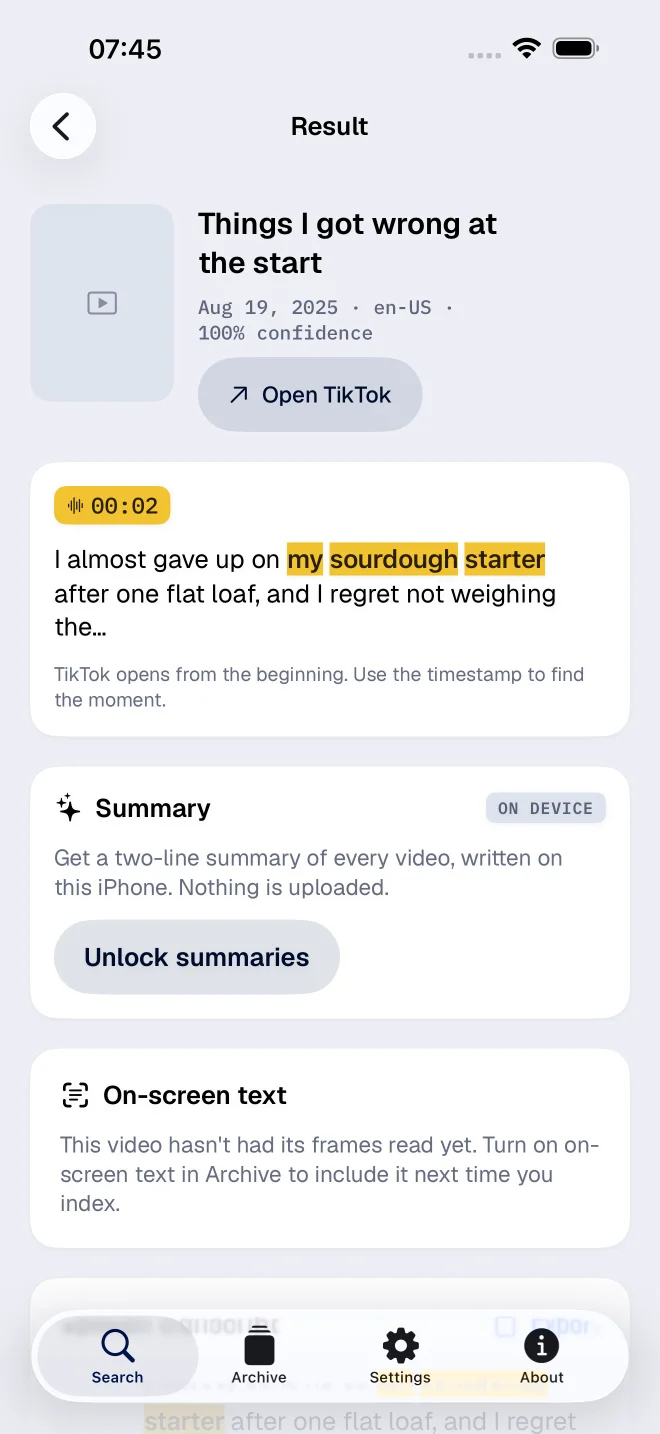
That is exactly what FindMyTok returns – and yes, it is why the app looks the way it does. With it you can:
- Search what you said, the text that appeared on screen, or both at once.
- Search the way you remember: the exact phrase, all the words anywhere in the post, or just the start of a word (“budg” already finds “budget”).
- Forget about accents, capitals and punctuation, because the search ignores all of them (nobody remembers a comma).
- Limit the search to a period, when you have a rough idea of when you posted.
The honest limitations
Transcription is not perfect. Accents, music over speech, three people talking at once, a bad microphone on a windy street – some words will come out wrong and, by Murphy’s law, one of them will be exactly the word you searched for.
Tip: search a longer phrase, because it gives you more chances of hitting a stretch that transcribed cleanly. And pick an unusual word over a common one.
That applies to every transcript search product that has ever existed, including the ones that promise otherwise.
Worth remembering, too: the video has to be one you published from the account you are searching. Something you watched once and never saved is a different problem – and it is covered in watch history, likes, favourites, and your own posts.