…set up at five in the morning because we only had one shot at that light and the tide was already coming in…
0:14Spoken3 Mar 2024
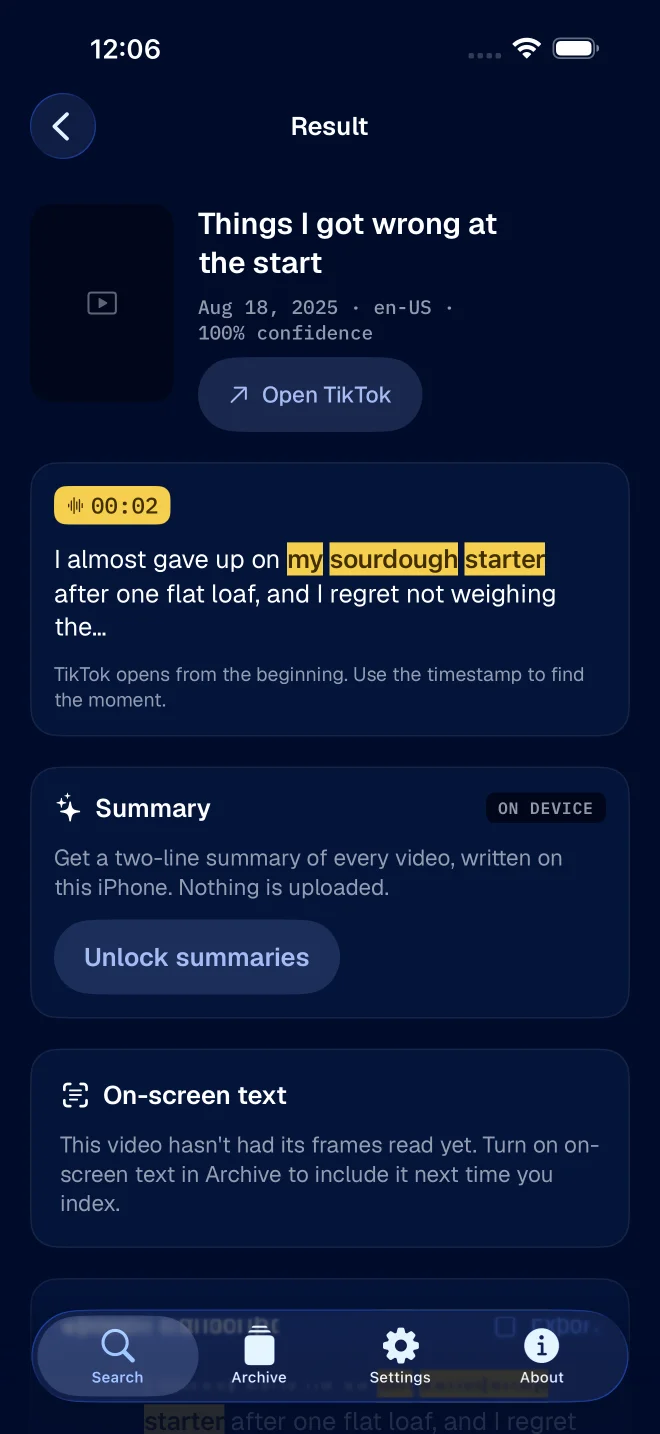
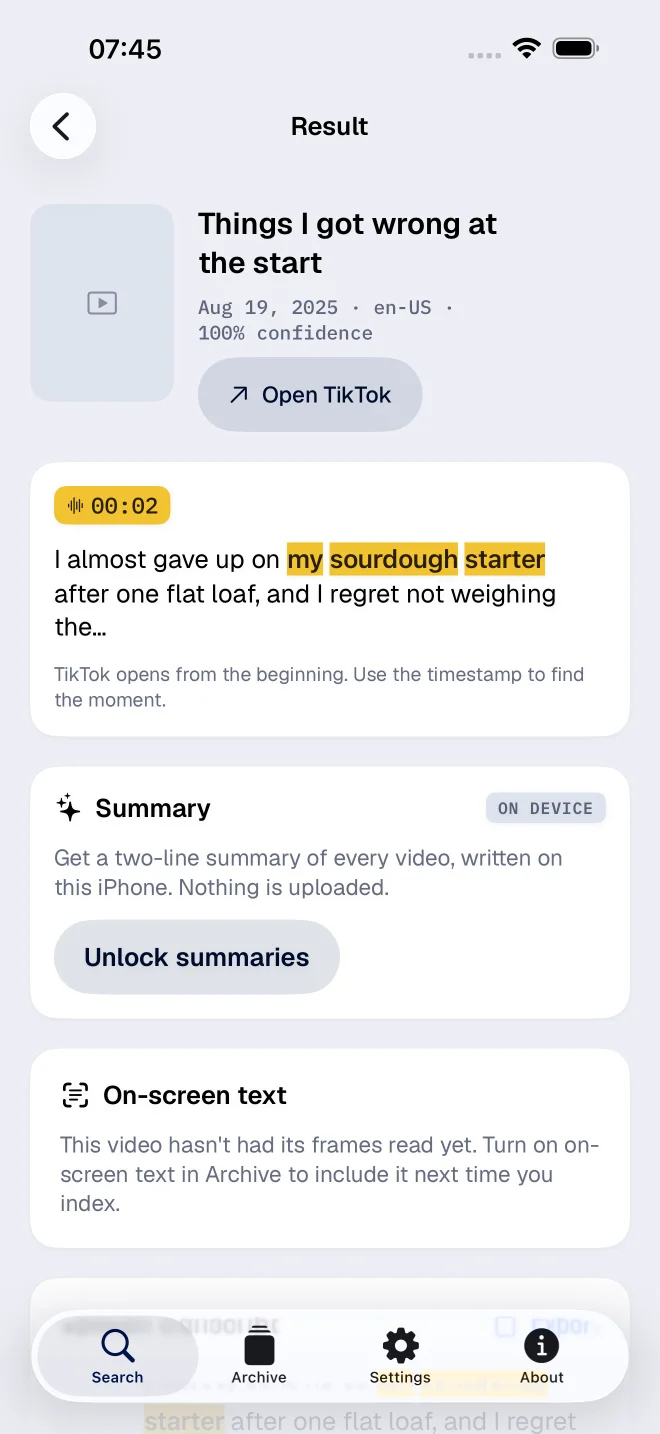
FindMyTok searches your own published TikToks by the words you actually said. Your phone does the transcribing. Your posts come from TikTok, but the transcript is not uploaded to us. Every hit gives you the words, the post and the second.
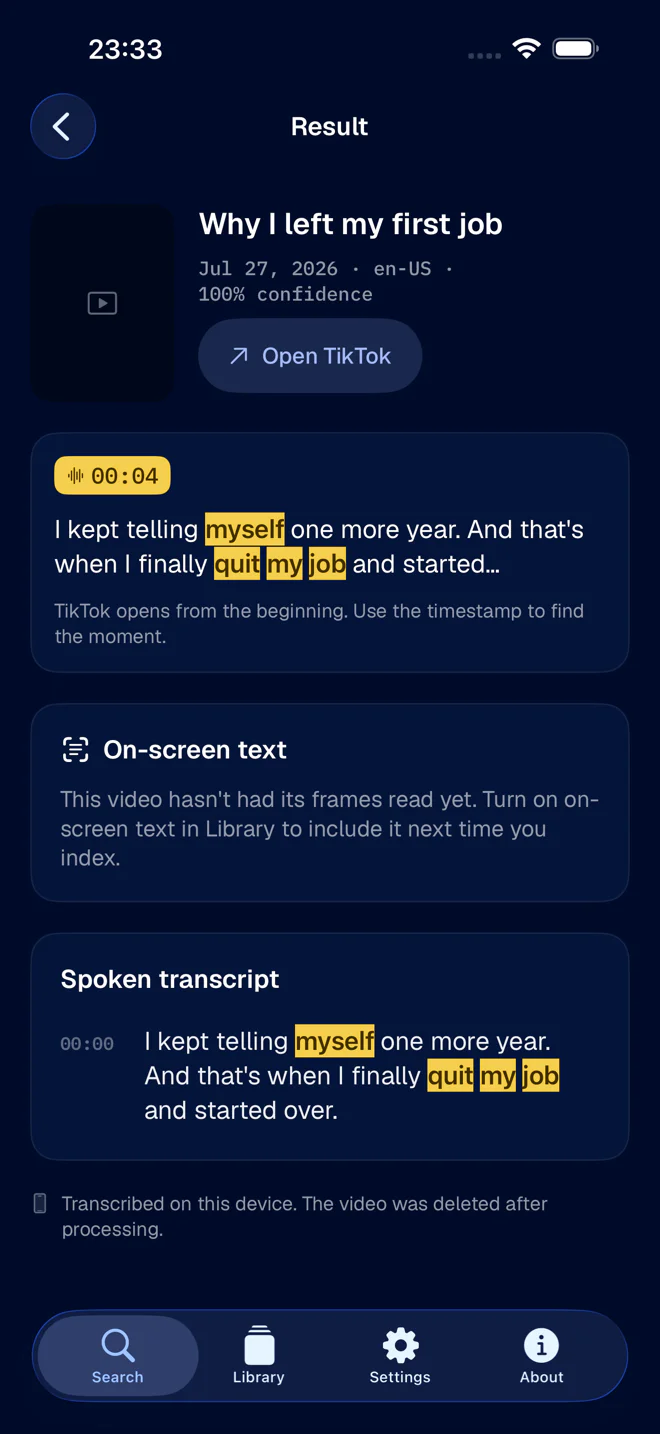
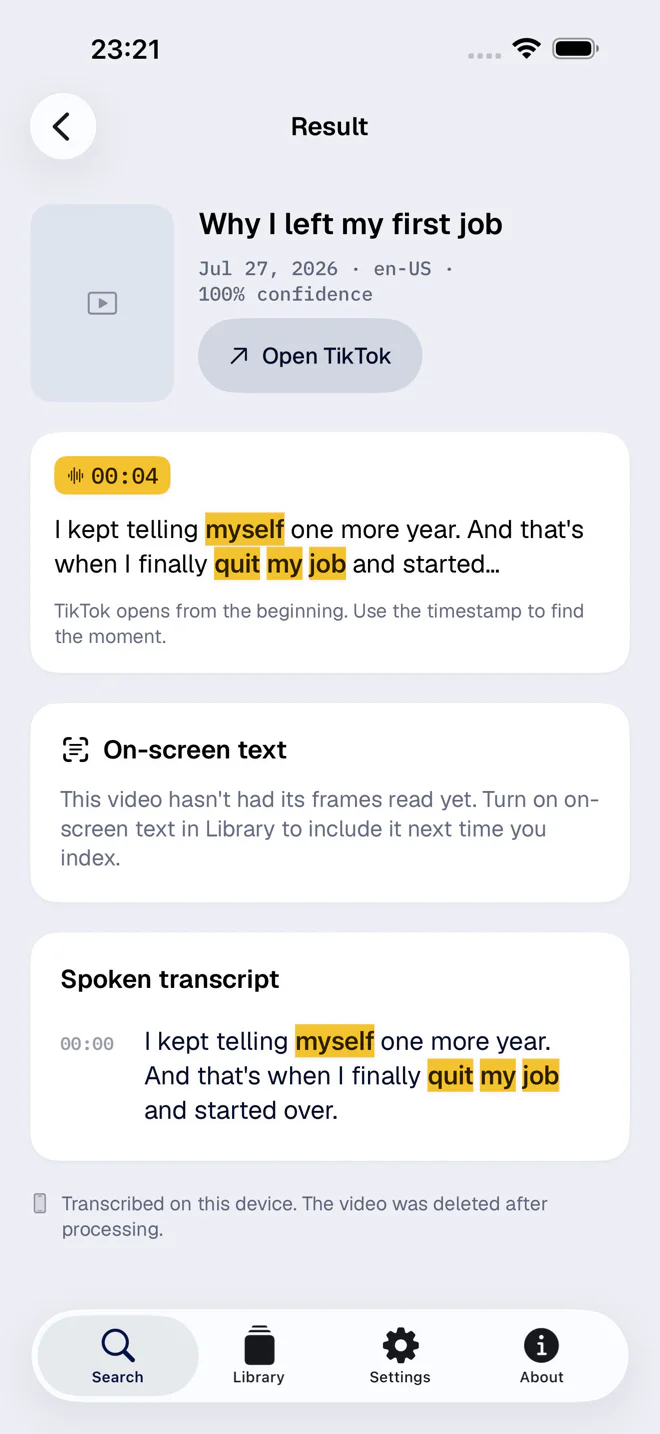
Tap a result and TikTok opens the post. The timestamp tells you where the phrase lives; where playback actually starts is TikTok's call, not ours.
Case, accents and punctuation are ignored. Exact phrases beat all-word matches, which beat prefixes. The search box matches words, not ideas. On supported devices, separate Apple Intelligence features can summarize videos and answer questions about your archive.
Indexing a big library takes a while, and we would rather say so up front: each video is fetched and transcribed once, two at a time at most, and slower when the phone runs warm. Start it, go do something else.
Audio extraction, speech recognition and frame-text reading all run locally, on Apple's own frameworks. Nothing is shipped off for a second opinion.
Transcripts, frame text, covers and the search index live in a local database. There is no cloud copy or sync between your devices.
Posts and media come from TikTok through your signed-in session. Apple handles purchases, RevenueCat reports them, and Aptabase receives limited usage events from app startup.
Downloaded video and extracted audio are deleted once they have been processed. Anything that survives a crash gets swept up at the next launch.
You sign in on TikTok's own page. Transcription reads audio files, never the live mic.
FindMyTok indexes the account you signed into. It cannot go poking around in anyone else's videos.
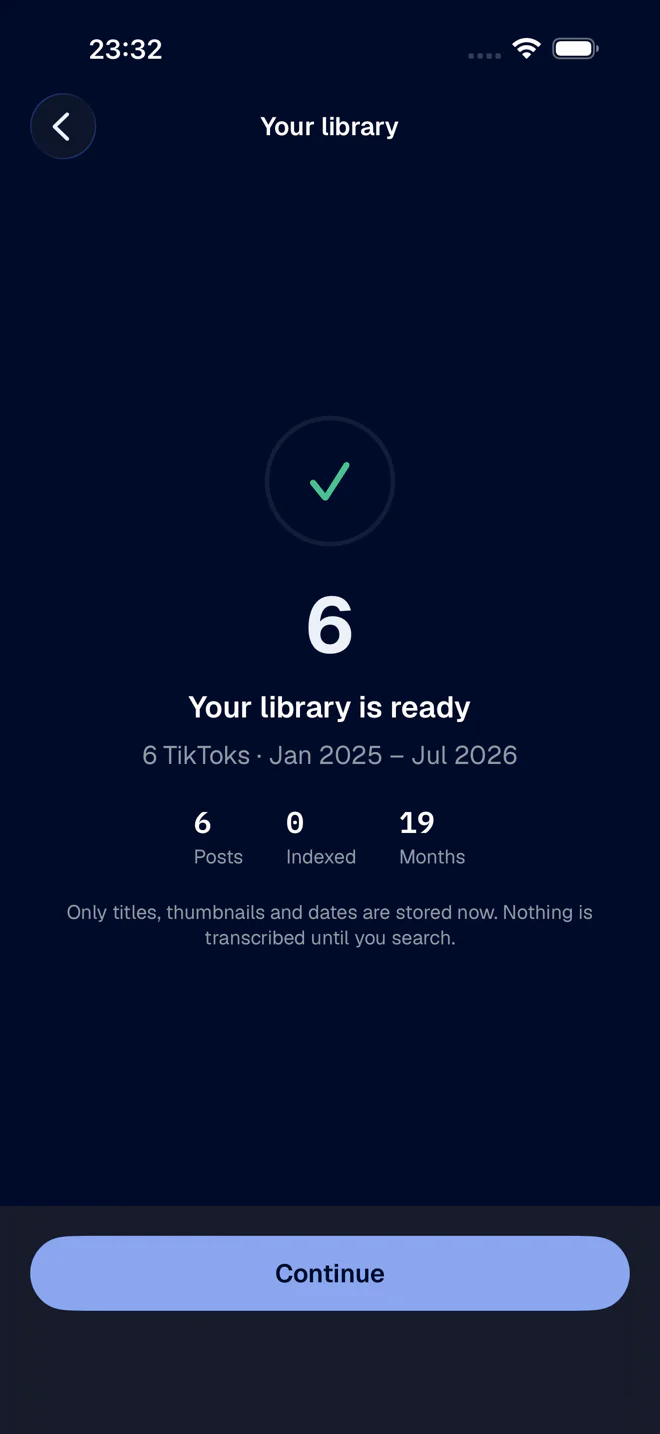
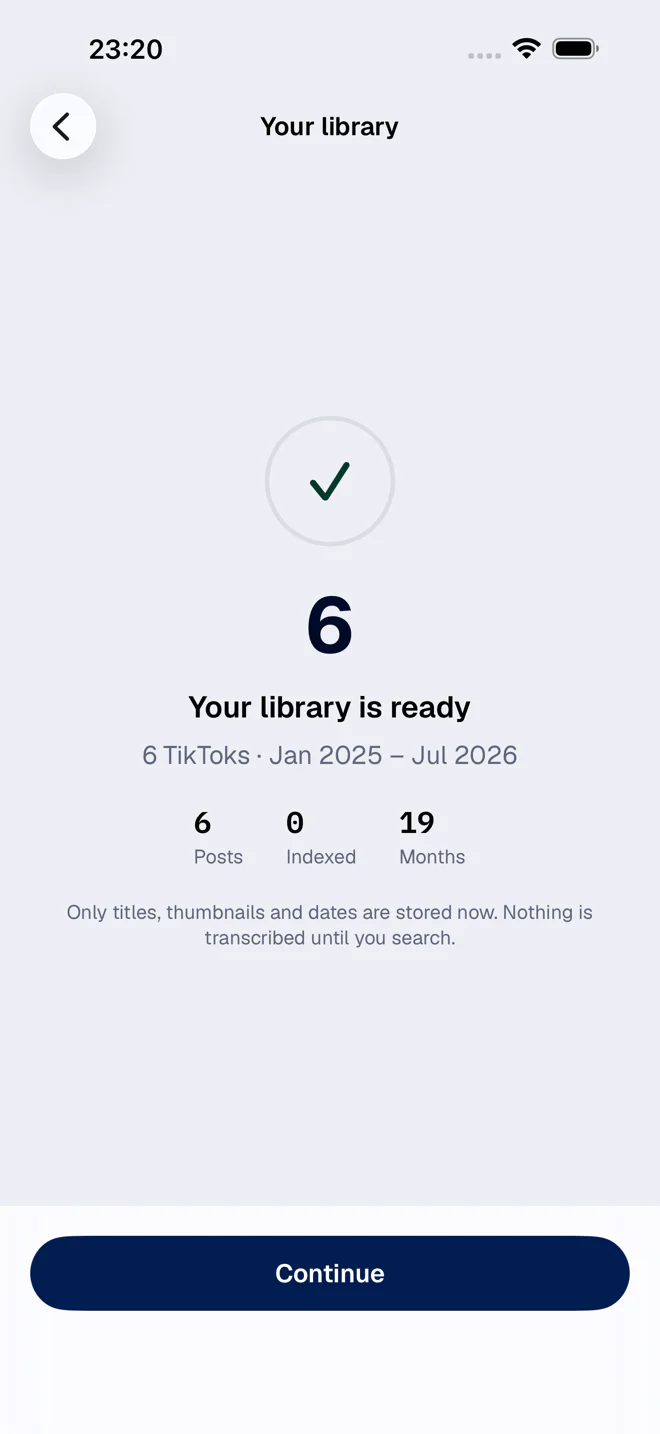
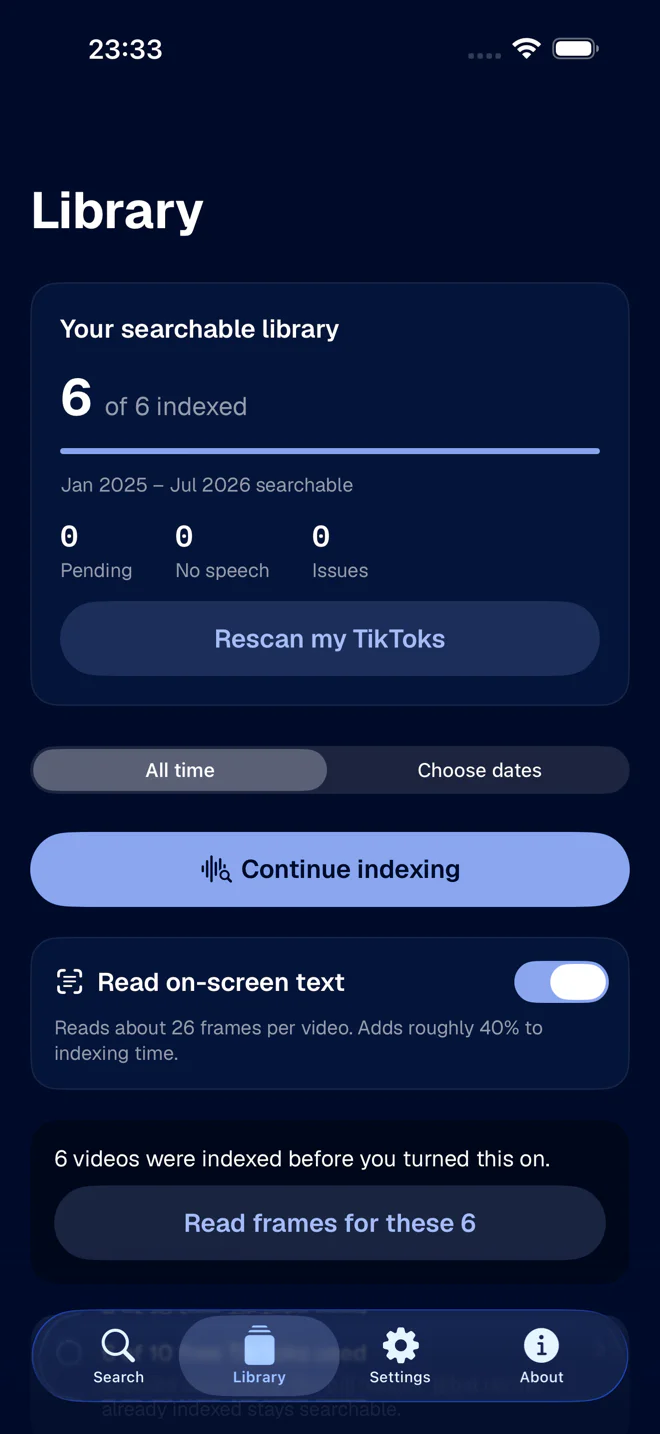
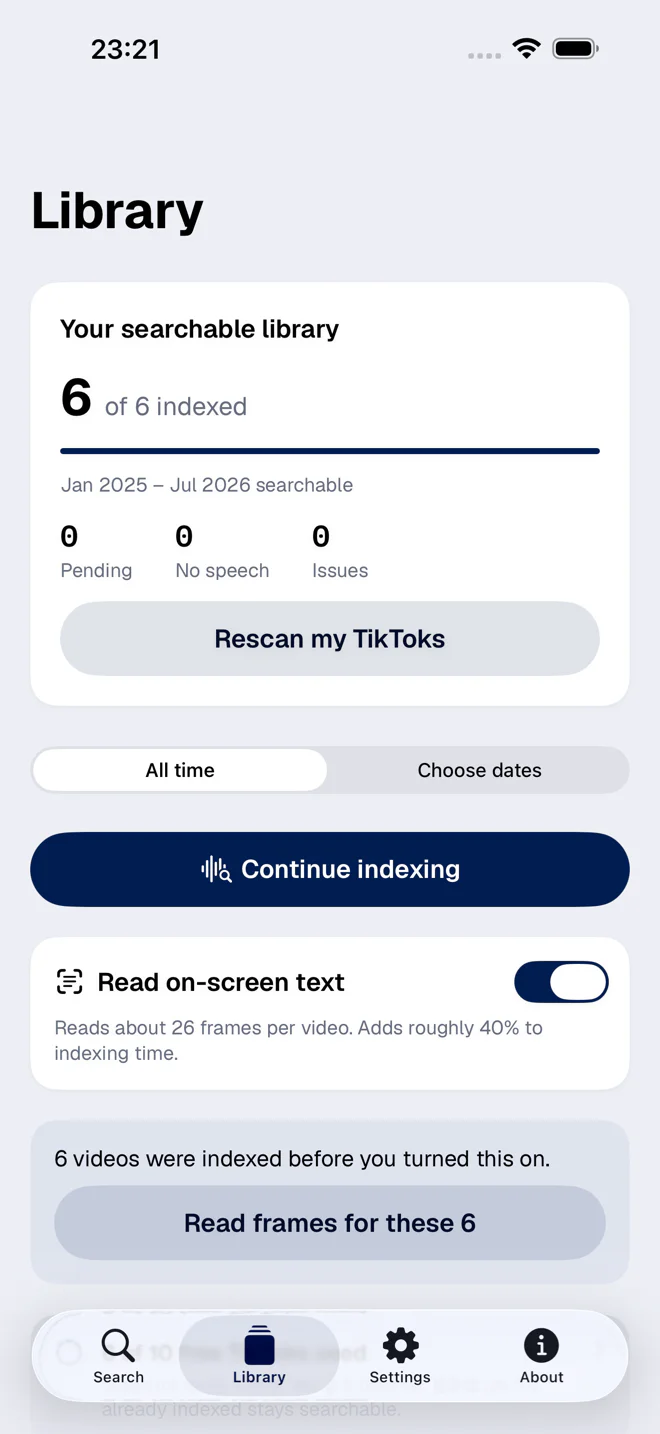
Real screenshots of the app, taken on an iPhone. The library, the transcript and the timings are sample data - but nothing here is a mock-up of a screen that does not exist.
No. Only the account you sign into. This is a search box for your own past, not a surveillance tool.
Longer than you would like, if your library is big. Each video is fetched and transcribed once, two at a time at most, and the app eases off when the phone is hot or the battery is low. Pick a date range and do the part that matters first.
The search box matches words, not ideas. On supported devices, separate Apple Intelligence features can answer questions about your archive.
It opens the post. TikTok decides where playback starts, so it may cheerfully ignore the second we worked out for you.
Yes. Indexing runs in a limited background task and a Live Activity shows progress, but there is no leave-it-overnight mode.
Out of scope for now - there is no audio to transcribe. They are filtered out during discovery, and an existing post that turns out to be photos gets marked as excluded.
On the App Store for iPhone and iPad. No account to make here, no waiting list, no form to fill in. Download it and point it at your own posts.
Download on the App StoreWe would like to use Google Analytics to see how this site is doing. It only starts if you say yes, and you can change your mind from the footer whenever you like.