How to find a TikTok you posted on a specific date
Chronological ought to mean easy. Your profile grid runs newest to oldest, so in theory finding March 2022 is just a matter of scrolling until you reach March 2022.
In practice you scroll for four minutes, the grid re-renders, and you are back near the top. Then you try again with more determination and get the same result. Anyone who has gone looking for their own first post knows exactly what I mean.
Why the far end is the hard end
Everything before the date you want has to load first. The further back the target, the more you load and the more chances the list has to reset. Which is to say, your oldest video is the hardest post to reach on your own profile – which is a funny thing to be true.
The interface also changes. I am not going to write down something like “TikTok has no date filter” as if it were permanent, because these menus move and this article would age into a lie. Check what your version of the app offers today. What I can say is that scrolling has been the reliable path for a long time – and scrolling is exactly what fails at distance.
Dates you can actually anchor to
Work from something external: the date you started a job, a trip, a haircut you can see in the thumbnail (yes, that works). If a post did well, your analytics has a date for it and you can navigate from there.
Comments help too. Somebody replying “this was two years ago” is basically a timestamp with legs, and the message where you sent the link to a friend has the exact date attached.
When the date is a proxy for something else
Half the time, “find my TikToks from 2022” is not really about 2022. It is about a subject: the videos where you talked about a client, the ones from before you changed your mind about something, the ones with a particular person in them.
A date filter is a poor tool for that. You will pull three hundred posts and still have to watch all of them.
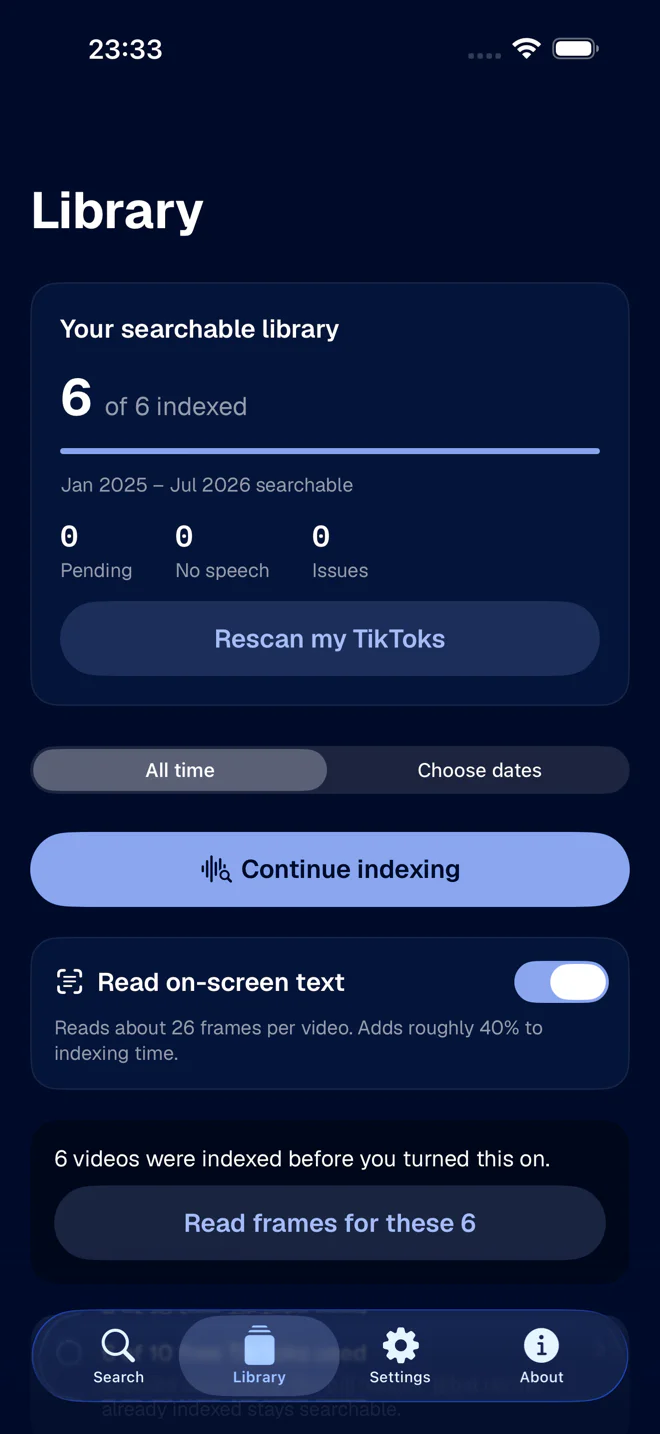
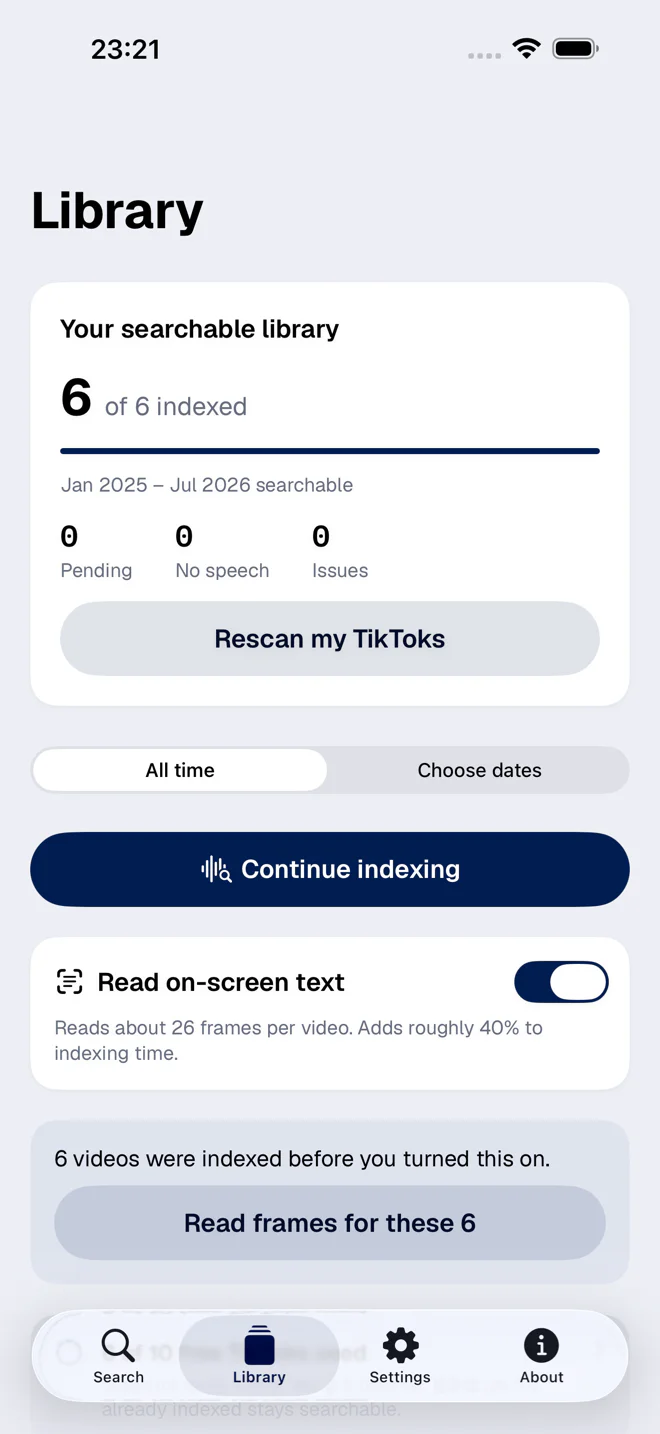
This is where FindMyTok comes in. It indexes your published videos by what was said in them, so you search the subject directly and use the date as the second filter, not the first. In practice you can:
- Pick a period and index only that first, when the archive is big and you are in a hurry.
- Search inside that period for the name of the client, the place or the product.
- Get back the post and the second where the phrase appears, which is usually the thing you actually wanted.
Finding your first TikTok
This is the most common version of the date question, and the answer is easy: the bottom of your grid. Getting there is the problem, not knowing where it is.
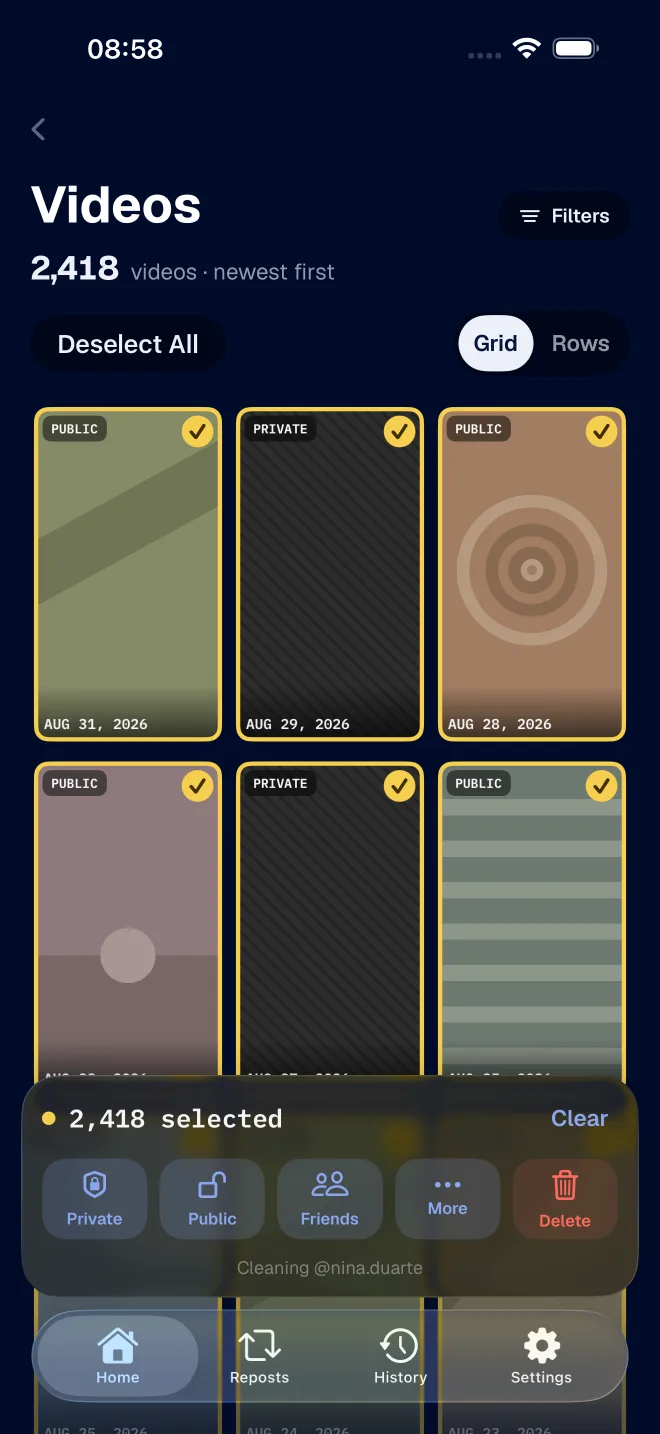
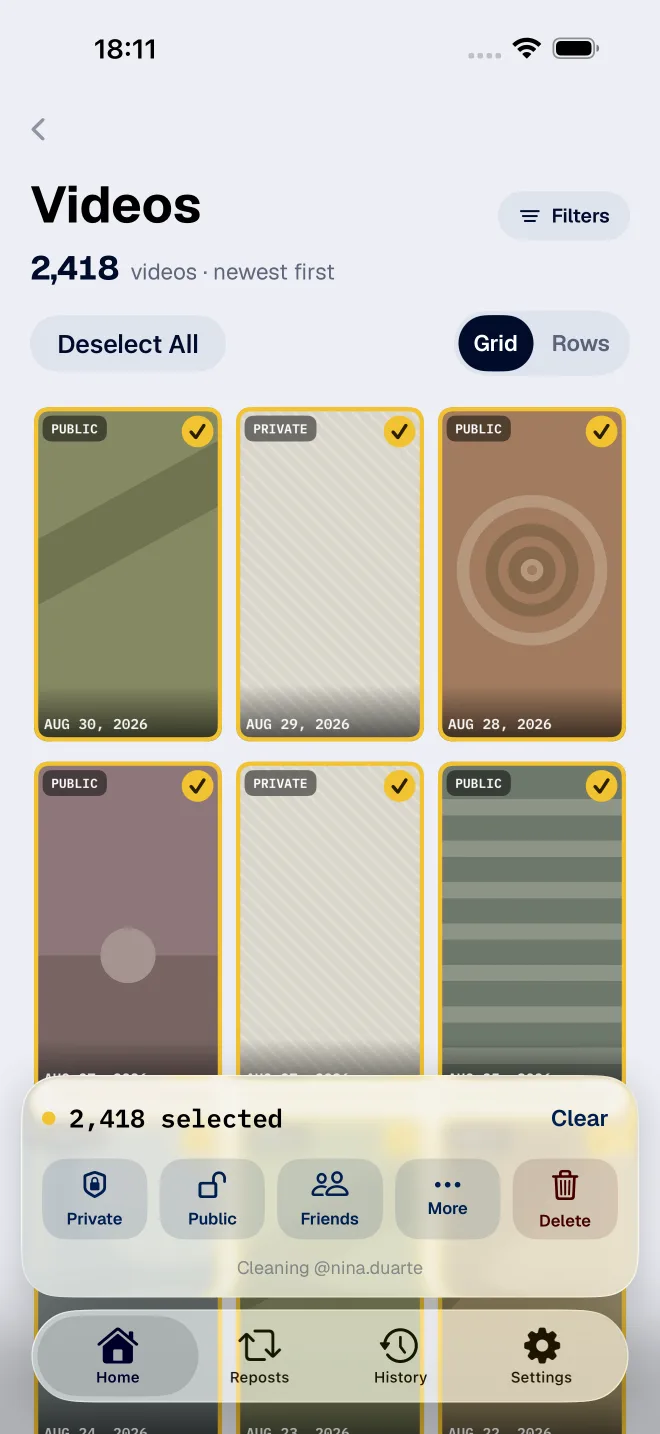
If you are after it because you want to clean up everything around it, finding is step one and FixMyTok handles step two. It filters a whole period and acts on it in bulk, hundreds of videos at a time.
There is a fuller comparison of the search side in search your own TikTok videos.