How to find an old TikTok when you know the month and year
Knowing it was October 2023 is a better clue than most people have, and it still does not get you there. The grid will happily show you October 2023, provided you first scroll through everything that came after it, and the list restarts about the time you get comfortable.
A month and a year is not a place you can go to. It is a filter, and the trick is to apply it somewhere that can actually filter.
Step 1: check the month against something solid
Before spending time on the date, make sure it is right. People are off by a season more often than they think. Anchor it to something that has a date on it: the trip, the job, the message where you sent the link, the thing that was in the news. The longer version of this is in finding a TikTok you posted on a specific date.
If you are not sure, widen the range, do not narrow it. A wrong month with a tight filter finds nothing, and you will conclude the video is gone when it is only in September.
Step 2: get the dates in a file
If you have asked TikTok for your data, the files include your posts with their dates. A search through that for the month shows you how many videos you posted then and what their captions said, which is often enough to jog the memory. What the download actually contains is worth reading before you ask for it, because the file takes a while to arrive.
The limit is the one you would guess: dates and captions are text, and what you said in the video is not.
Step 3: use the period as the first filter
In FindMyTok, the Archive screen lets you choose the dates. Index that one month first, not the whole archive, and you get the answer sooner and spend less battery doing it.

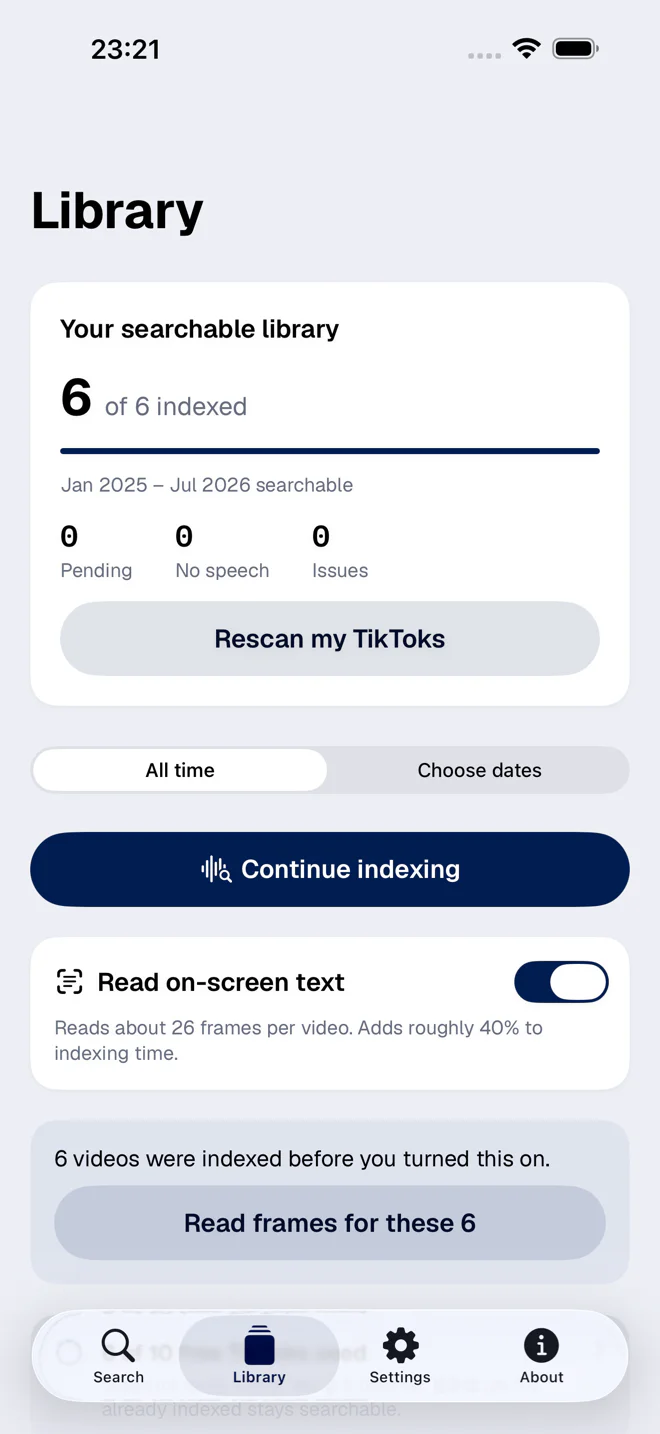
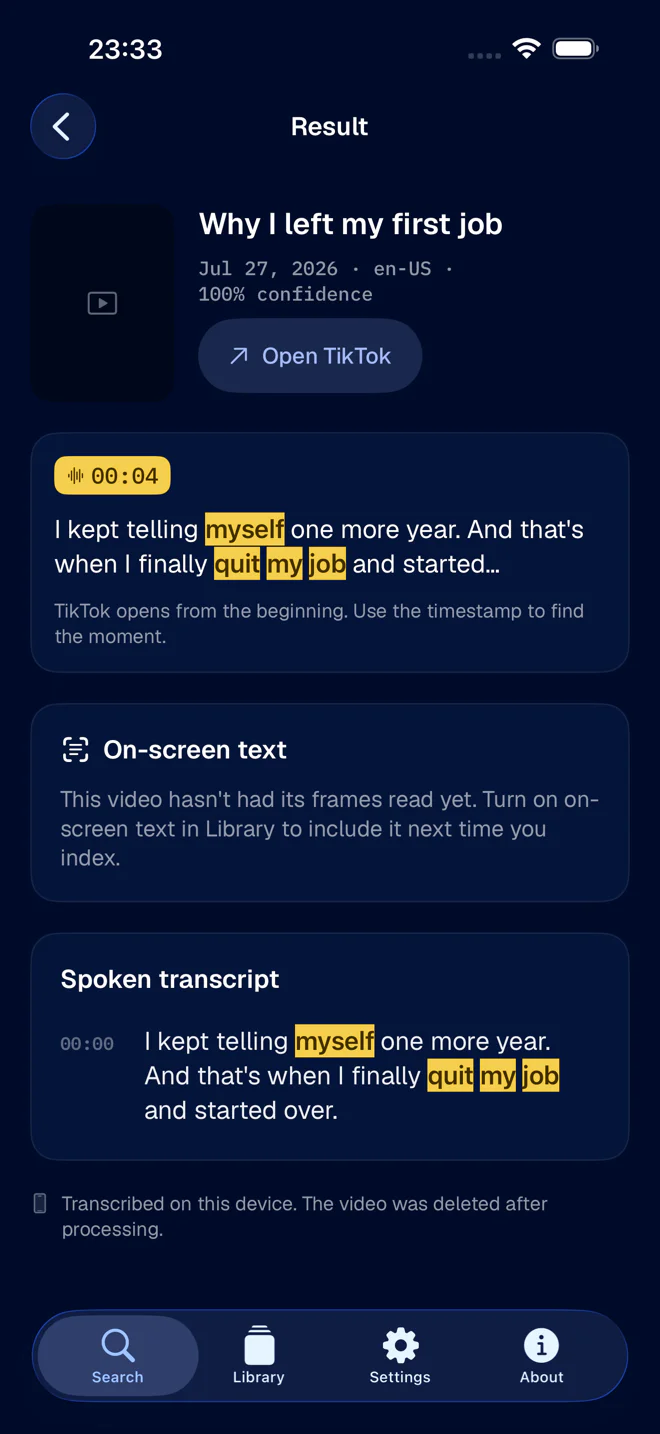
Then search inside it. Even a loose memory is enough here, because the pile is small: a month of videos is usually dozens at most, not hundreds. A single word you recall is a real key at that size.

Step 4: the edges of the month
Two things trip people up:
- Midnight. A video posted at 11:40 pm can show up on the next day’s date, depending on your time zone. If it is meant to be the last day of the month, look at the first day of the next one.
- Upload date, not filming date. The date is when you posted. A video filmed in September and published in October is an October video, whatever the footage says.
When there is more than one candidate
You will sometimes get three videos from the same month that all talk about the same thing. That is a good problem. Each result shows the words and the second, so you can tell them apart in a glance, and open the right one in TikTok.
If the month turns out to be wrong after all, widen it by a month on each side and run the same search again. It is the cheapest thing you will do all week. For the general version of this, finding old TikTok videos you posted lists the other things worth trying.