How to find an old TikTok you posted
The video exists. You made it. You remember the joke, roughly the season, and the fact that you were wearing the green jacket. What you do not remember is when you posted it – and TikTok’s answer to that is a grid you scroll until your thumb gives up.
So the problem is not that the post is lost. It is that the only index you have is chronological, and you are searching by memory, which is not chronological at all.
What you can actually do inside the app
Your profile grid is ordered by date, newest first, so if you can date the post you can get close. That works for last month. It falls apart for 2021, because scrolling back three years means loading everything in between – and the grid resets on you more often than it should.
TikTok’s search, meanwhile, is built around discovery. Its documentation on how content is recommended describes a system for surfacing things you might want to watch, and there is a Portuguese version of the same page. But discovery and retrieval are different jobs: a feed that guesses what you would enjoy next is not a tool for locating one specific thing you already made.
I am not going to claim TikTok cannot search your own posts, because the interface changes and I would be wrong by next quarter. What I will say is that TikTok’s documented tools do not describe searching the full spoken contents of your own archive – and if you have tried to find a three-year-old post by memory, you already know how that story ends.
The tricks that sometimes work
Caption text is your best free lever. If you wrote something distinctive in the caption or a hashtag, the words are literally there and you have a chance.
Your analytics can date a post that did well, which shortens the scroll. And other people’s memory works surprisingly well: someone commented on it, someone sent it to a group chat, and that message has a date on it.
None of this helps when the thing you remember is something you said, though. Captions do not contain your audio.
Which is exactly the gap
Most of what you put in a TikTok never gets written down anywhere. The story, the number, the name of the place, the offhand line that is now the only part you remember. All of it exists as sound inside a file, and nothing indexes it.
FindMyTok builds that index. It transcribes your own published videos on your iPhone and lets you search them by the words you actually said. Every result gives you the phrase, the post and the second where it appears, and one tap opens the video in TikTok. Wrote something on screen instead of saying it? You can search that text too.
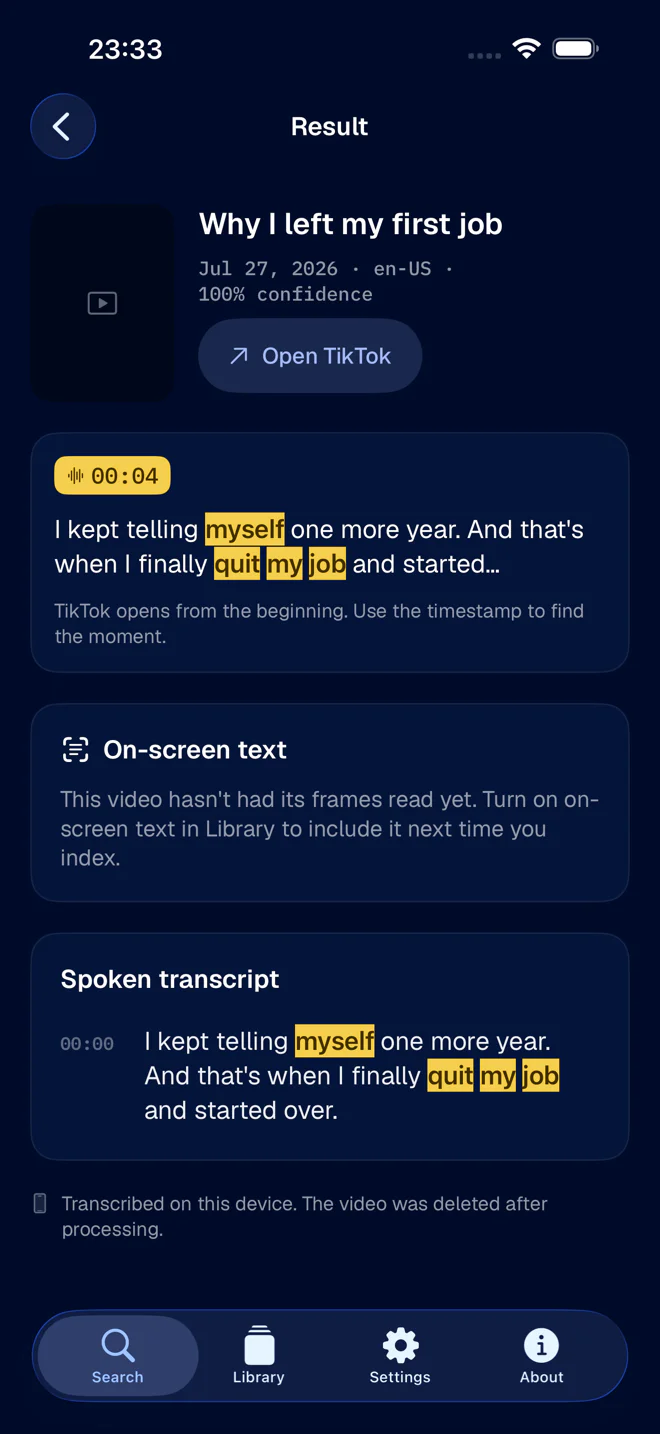
And the transcribing runs on the device, not on a server. More detail in find a TikTok by what you said in it and, if privacy is what you care about, in on-device transcription and what it actually means.
Before you go hunting
Be sure you are looking for your own post. Half the people searching for “find an old TikTok” want something they watched once, which is a completely different problem with completely different tools. Watch history, likes, favourites, and your own posts untangles the two.
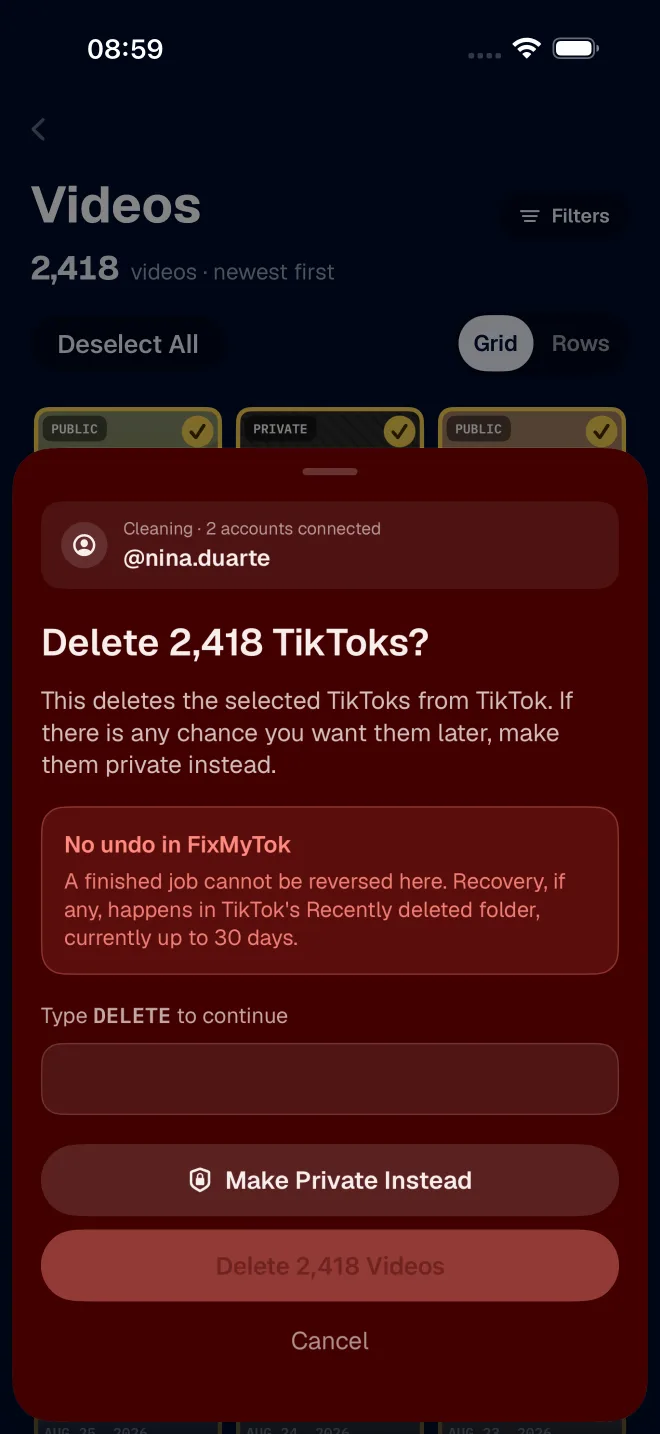
And if the reason you are looking is that you want the video gone, finding it is step one. FixMyTok is step two: it makes the post private or deletes it (that one or hundreds of others at once), right on your account.