Turn years of TikToks into an archive you can search
Post three times a week for four years and you have made something like six hundred videos. That is a library. It is just a library you cannot open, look anything up in, or find out what is inside – which makes it a library in roughly the same way a locked warehouse is a shop.
And the waste is specific and happens constantly: you explain the same thing for the fourth time because you cannot find the three previous times you explained it well.
What you lose without an index
You repeat yourself without meaning to, and you repeat yourself worse, because the version you filmed in 2023 was tighter and you did not have it in front of you.
You contradict yourself in public, which is fine and human – but you would rather notice it before someone in the comments does.
And you rebuild things from scratch. TikTok’s own Creative Center material treats working from assets you already have as a normal content practice. Reasonable idea, hard to act on when finding an old video costs an hour of scrolling.
Worth being clear about what that source does and does not support: it treats reuse as a practice. It does not promise that reposting old ideas increases reach, and I am not going to tell you it does. Nobody can give you that number honestly.
What an index actually changes
The useful shift is that “have I covered this?” becomes a question you answer in four seconds instead of a question you avoid asking.
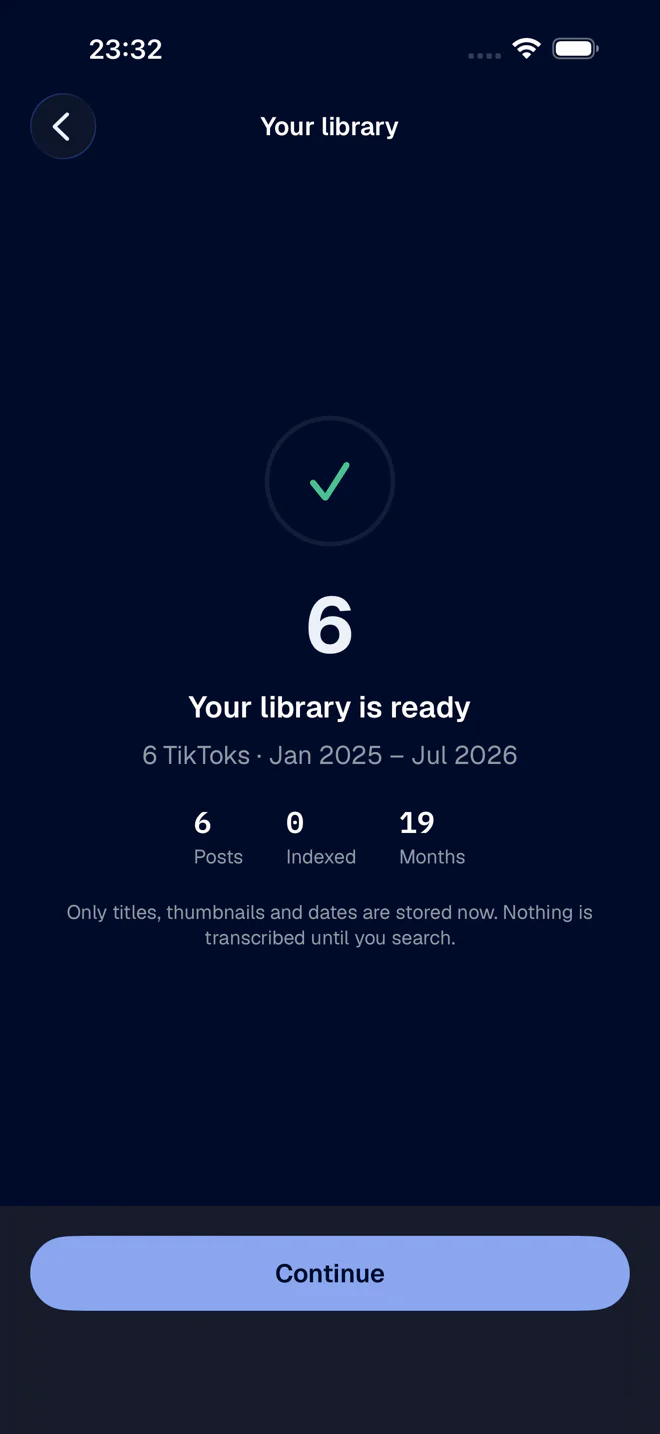
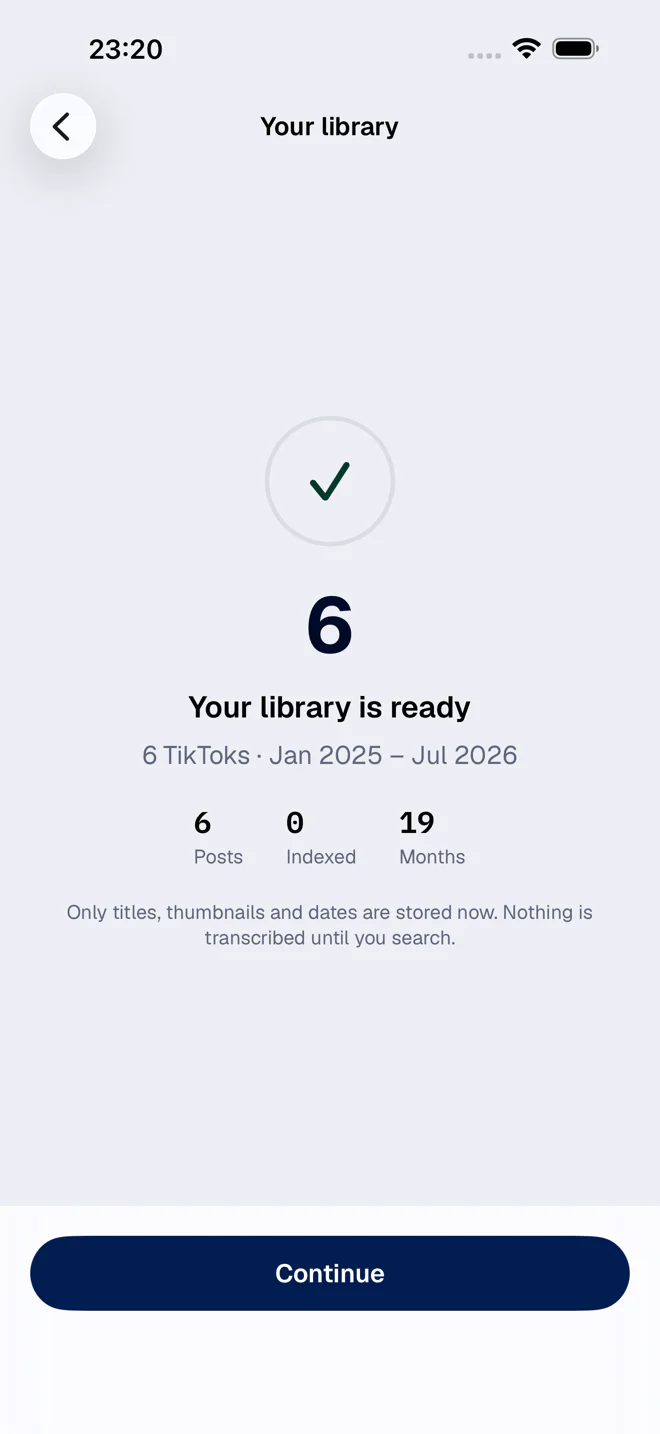
FindMyTok transcribes your published videos on your iPhone and indexes what you said – and, if you want, the text that appears on screen too. You search a phrase and get back the post and the second where it appears. The whole loop takes about as long as opening the app.
On devices that support Apple Intelligence, the app can also write a short summary of each video and answer questions about your archive, all on the iPhone itself.
That turns your archive into something you consult before filming, rather than something you feel vaguely guilty about.
The obvious use cases
- Checking whether you already made this video. Before you film, not after someone comments.
- Pulling the exact wording you used the last time the topic came up – because it took you six takes to get right, and you would rather not redo them.
- Finding the clip a client is asking about when the client remembers one sentence and nothing else (which, let us be honest, is always).
- Reviewing what you have said before you take a position in public, which deserves its own article.
The unglamorous requirement
Indexing hundreds of videos takes time and battery, because transcription is heavy work and it is happening on your phone rather than on somebody’s server.
Tip: plug the iPhone in, keep the app open and go do something else. If the archive is big, pick a period and index the part that matters first.
I think that trade is worth making, and it is a deliberate design decision: the audio of everything you have ever published does not get uploaded anywhere to make search work. The full reasoning is in on-device transcription and what it actually means.
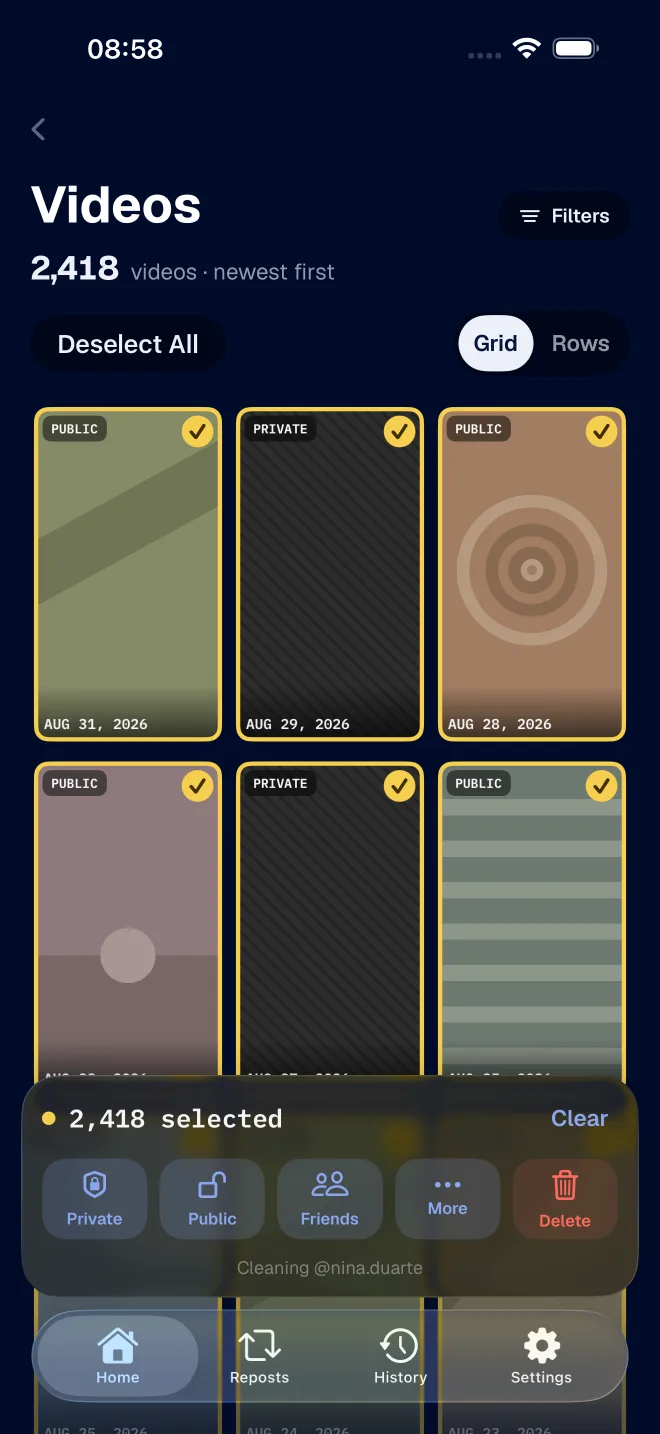
If part of the archive turns out to be material you would rather not keep public, that is the other half of the job – and FixMyTok does it in bulk.