How to find a TikTok when you only remember half a sentence
Nobody remembers a sentence. They remember a shape: something about a shot, and a light, and it was funny. Which is a perfectly good clue, and a terrible thing to type into a search box that wants the exact words.
So the useful question is not “what did I say”. It is “which part of what I half-remember is most likely to be in the transcript, spelled the way the transcript spelled it”. That one has an answer.
Three ways a search can match
The search in FindMyTok tries three levels, from strict to loose:
- The exact phrase. Your words, in your order, one after the other.
- All the words. Every word you typed appears somewhere in the video, in any order and with other words in between.
- Word beginnings. Each word you typed only has to start a word in the transcript. “budg” finds “budget”.
Case, accents and punctuation do not count at any level, so you can stop worrying about whether you said “café” or “cafe”. (You were never going to remember the comma anyway.)
Fewer words beat more words
This is the part people do the wrong way round. When memory is shaky, a long phrase is a bet that every word in it is right. One wrong word and the exact match is gone.
Two or three words you are fairly sure of will do better. Say you remember “we only had one shot at that light” and are confident about maybe two of them. Type shot light. The all-words level finds every video where both come up, in any order, and a short list of those is a thing you can read.
Pick the strange word
A common word is in a thousand videos. An odd one is in four. If your half-sentence has a name, a place, a number or a word you do not normally say, search that one first and add the others only if you have too many results.
Words you use constantly (“actually”, “so”, “basically”) are the worst possible keys. Everyone has said them in every video.
When it misheard you
Sometimes the transcript is wrong, and by a rule that has never failed, it is wrong on the word you searched. A brand name turns into two ordinary words. A name loses a letter.
- Try the beginning of the word. A prefix gets past a bad ending.
- Search the word next to it. The neighbour probably transcribed fine.
- Search how it sounds. If you said “Kubernetes”, try “cooper”.
None of this is special to FindMyTok. It applies to every transcript search that has ever existed, and anyone who says otherwise has not tried to find a name.
Narrow it down with what you know
If you know roughly when you posted it, set a date range, and the pile shrinks before the search even runs. If you remember that the words were on a title card and not spoken, switch the search to on-screen text, or to both. A longer note on that is in searching the text on screen.
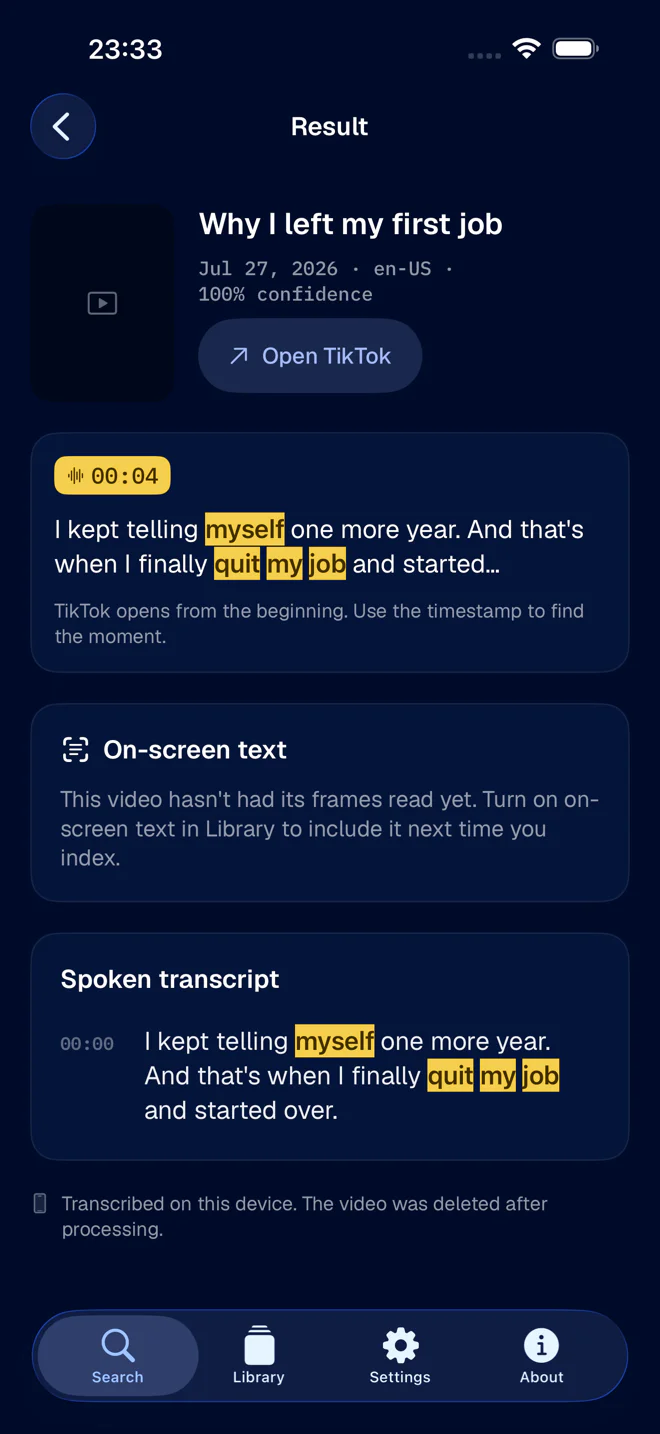
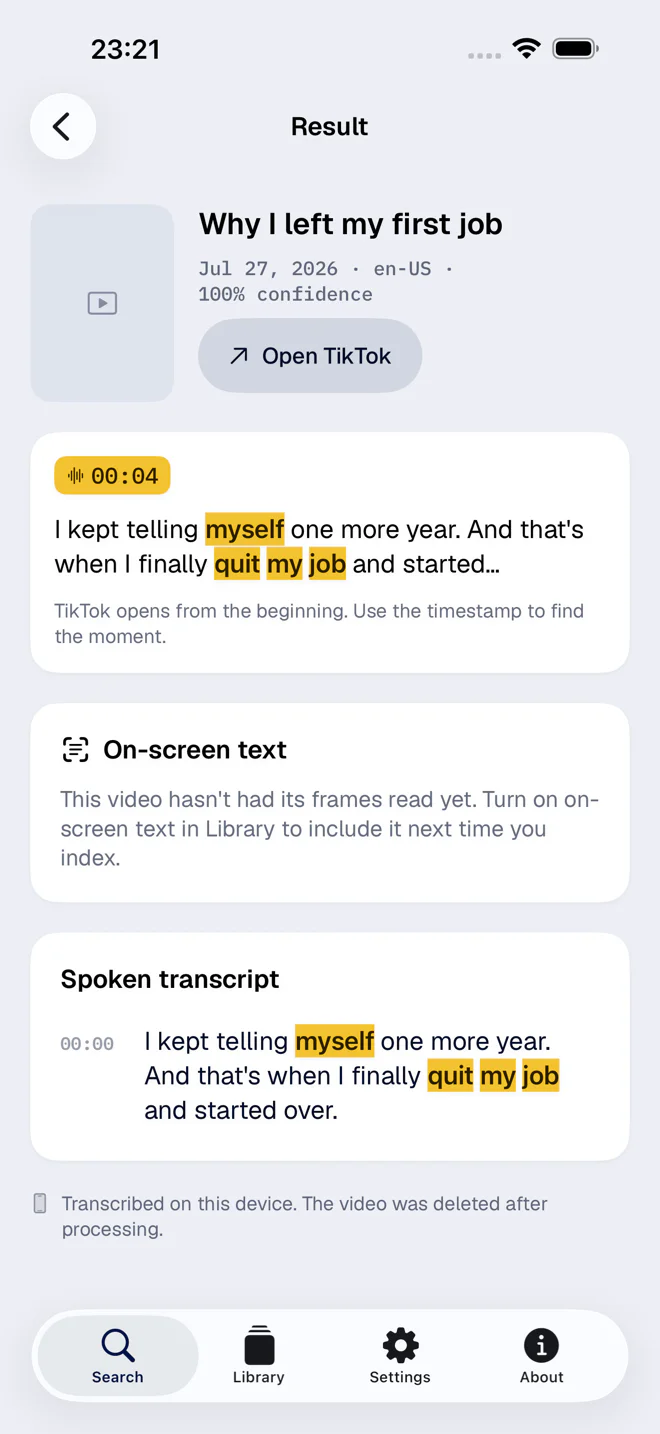
That last part is what makes guessing cheap. Because each result shows the sentence and the second, you can try three half-memories in a minute and know right away which one was it.
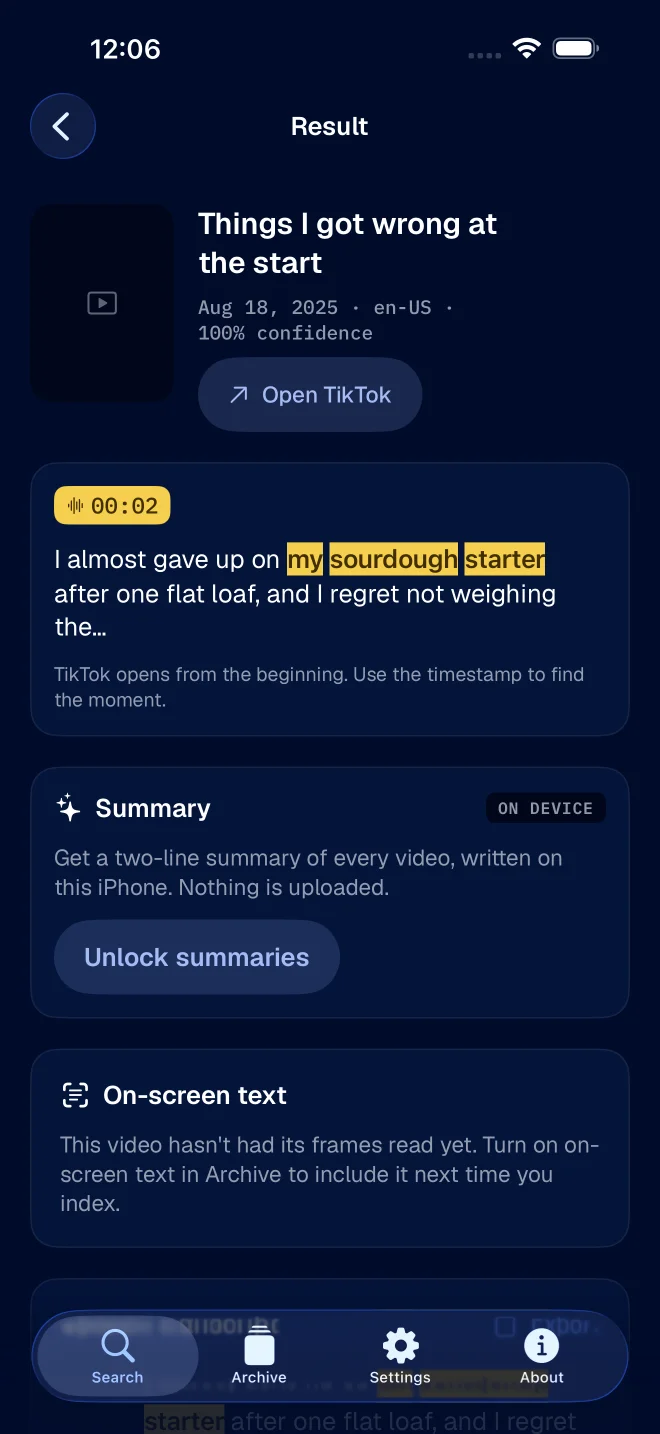
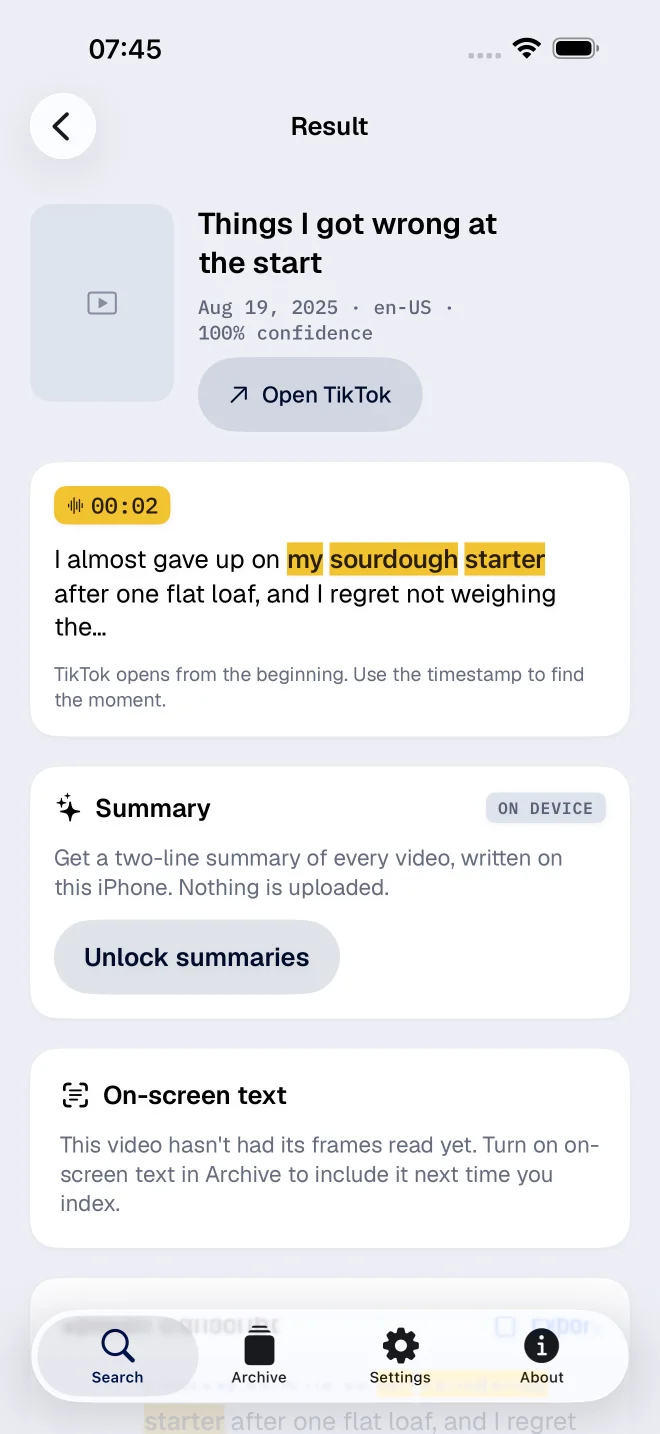
For the longer version of how this works under the hood, see finding a TikTok by the words you remember saying.